

Want to discover Arabic-speaking gamers who are broadcasting right now? The Zaplat Gaming Arena includes a section for member livestream cards and watch links. Eligible creators can submit their own streaming URL. Here is how to use these options without assuming every connected channel appears instantly or always stays live.
Why a community live area helps
Stream cards offer a starting point for discovering members instead of scattered posts. They're not a complete index of all creators or a guarantee someone is broadcasting every hour.
1. Visit the Arena
Open Zaplat Gaming's Arena and switch to the live tab when available. Posting controls can depend on member sign-in and permissions.
2. Recognize a stream card
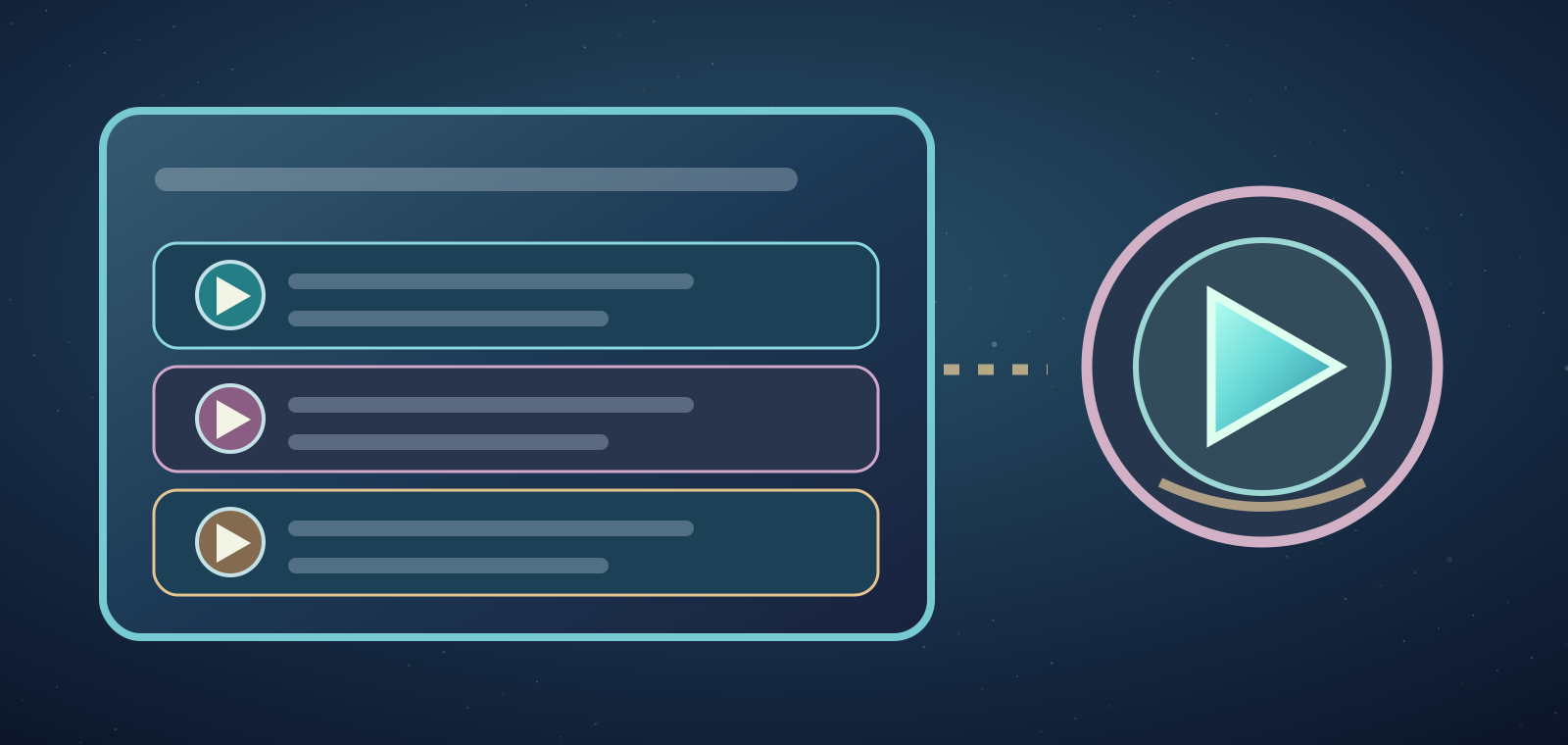
A card may show the member's public name, platform, date and LIVE mark. A thumbnail alone doesn't establish that a video is still live.

3. Watch on the original platform
Links can open YouTube, Kick or Twitch, usually in a new tab. Access and playback are governed by the streaming service itself.
4. If there are no live cards
An empty-state message may say no broadcasts are available. Try later or explore the community instead of interpreting it as a site-wide outage.
5. Allow for refresh delays
A stream can appear some time after starting and remain briefly after stopping. Check the original platform if the card status seems stale.
6. Share a legitimate stream URL
Members with the right permissions may post a URL using the Arena composer. Link to a real broadcast, never a password form or an unrelated promotion.
7. Choose your actual stream language
The composer has a language selection. A correct label helps viewers know what to expect; it doesn't translate the broadcast.
8. Channel linking differs from link submission
Connecting a channel elsewhere in the site and manually submitting a stream URL are different workflows. Neither should be described as instant guaranteed promotion.
9. Review your own card after streaming
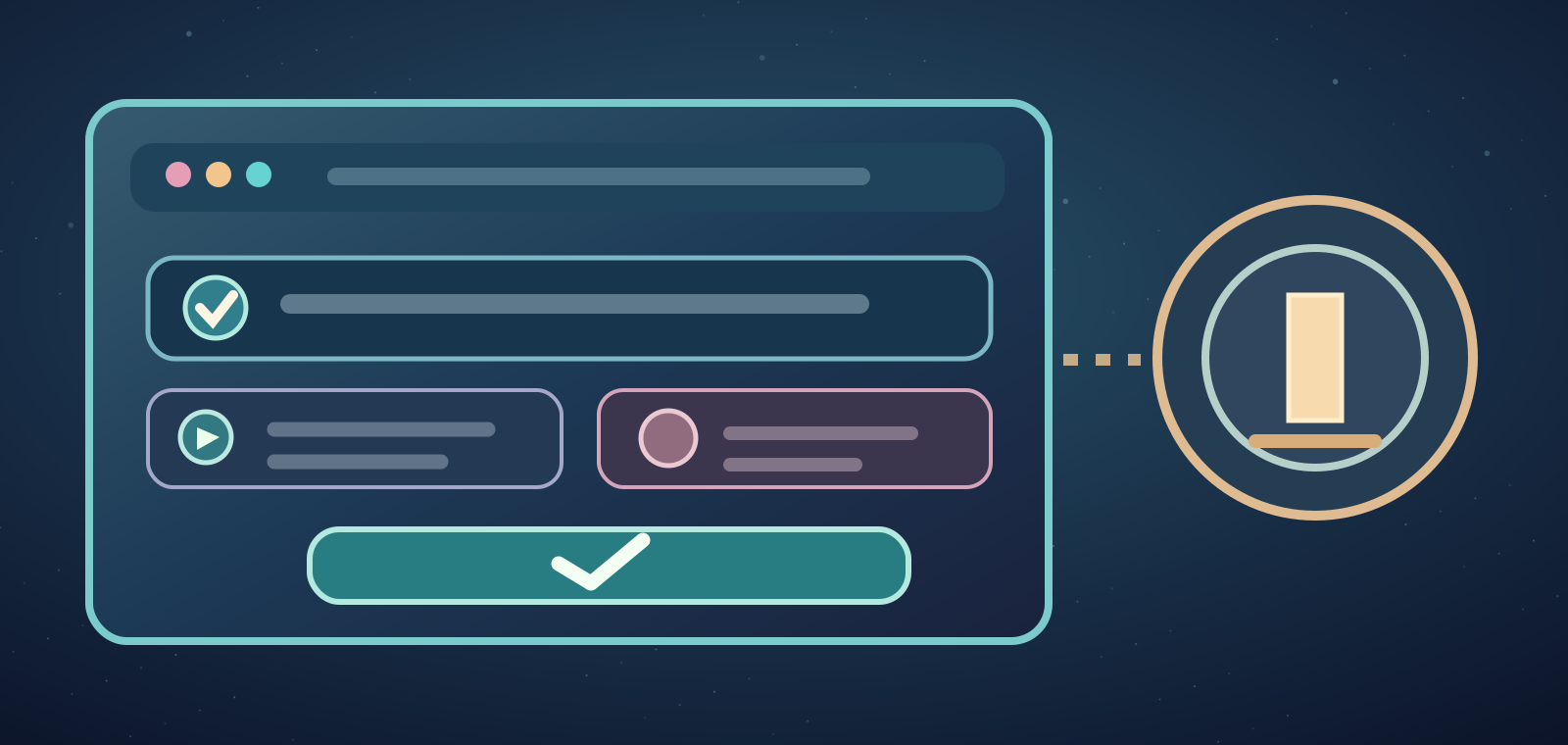
A stream owner may have an End Stream control. Use it where available if your card remains visible, rather than posting duplicates.
10. Stay safe while watching
Respect the streamer's chat guidelines and refuse requests for account passwords, verification codes or money in exchange for supposed stream placement.
11. Watching isn't tournament entry
Watching an eFootball stream doesn't enroll you in an event or award prizes. Tournament registration has its own rules and status.
12. Explore the wider community
If you enjoy the broadcast, discover other members or join the community through its official page. Views and follower growth are never guaranteed.
Where can I watch community streams?
Open the Arena and the live section, then a listed card's watch link.
Are all linked YouTube channels displayed automatically?
Not necessarily; display depends on available workflows and stream status.
Which platforms may appear?
Stream cards recognize YouTube, Kick and Twitch.
Do cards disappear the second a stream ends?
Not always. Refresh can lag; owners may have an End Stream control.
Does watching join a competition?
No, event registration is separate.