

You buy a PC game through Steam, press Play, and a second window asks you to sign in to an EA or Ubisoft account. Suddenly the single game you own appears to depend on two programs, two passwords and a chain of linked identities. Sometimes this setup brings cross-progression or online services; sometimes it simply feels like friction added after purchase. The distinction matters: buying through a storefront, being recognized by a publisher, installing a launcher and verifying a game's license are different operations. Official guidance from EA, Ubisoft and Epic helps separate those layers without assuming that every game from those companies behaves in exactly the same way.
A single Play button can hide several distinct systems
The storefront takes payment and records the purchase. The publisher may separately recognize your identity for online multiplayer, progression, friends, sanctions or in-game rewards. An installed app might handle starting the executable, updating components or verifying authorization. These layers can be combined in one smooth experience, but they can also become separate sign-in prompts and failure points. The important question is not whether a game has two icons in Windows; it is which services must work before the player can use the content they bought.
Buying from Steam is not the same as owning a license on every store
Epic Games explicitly says a game bought through another platform, including Steam or Ubisoft Connect, cannot simply be launched as a purchased title from the Epic launcher; ownership does not transfer across storefronts. That statement is about storefront entitlements, not whether an account link can share achievements or progress. A desktop shortcut or third-party library aggregator may show the same game in one menu, but displaying a button does not grant a fresh entitlement elsewhere. This difference explains many apparently missing purchases and avoids false expectations about 'moving' libraries.
The EA app illustrates why the second program appears
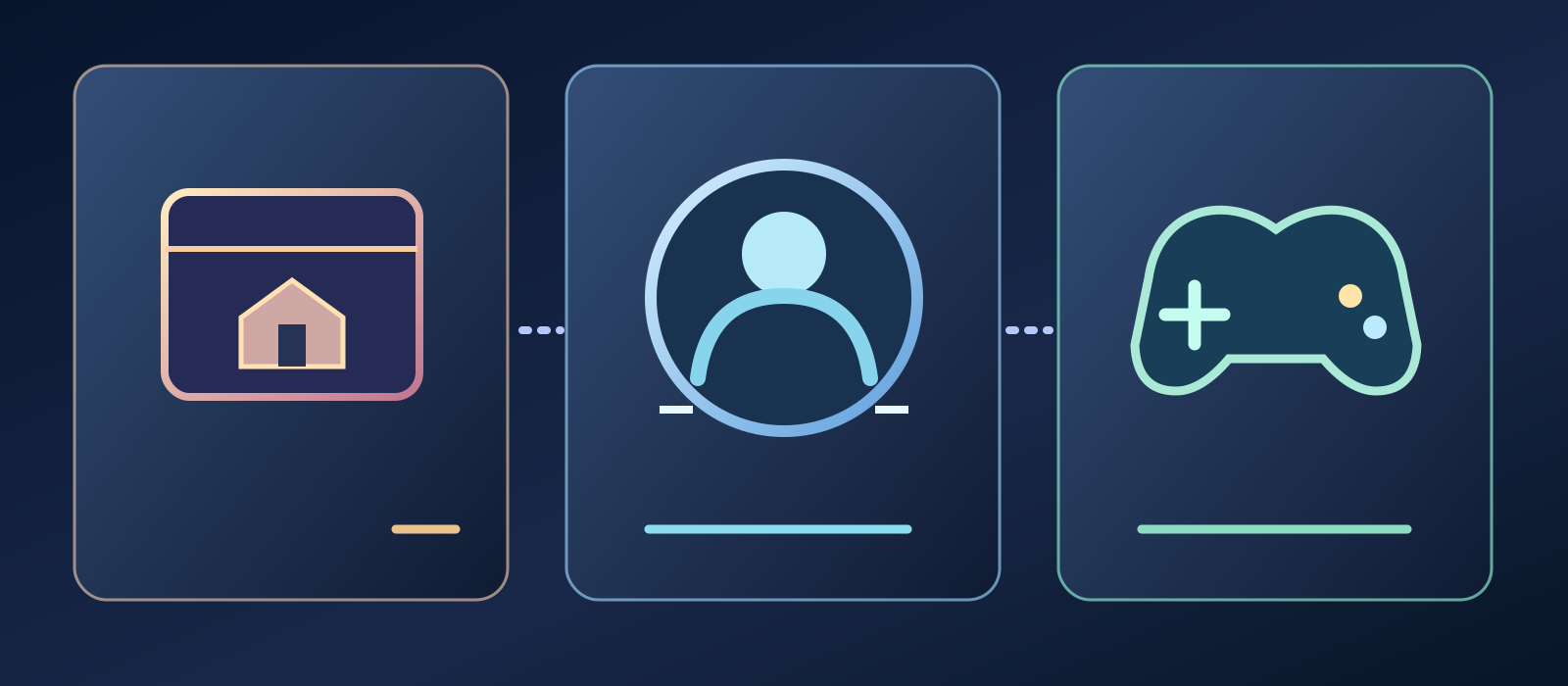
- Store purchase
- Publisher account link
- Game launch and checks
EA Help explains that some EA games bought on Steam still require the EA app, with the game's Steam store page indicating an external DRM or activation requirement when applicable. EA also states that an EA app purchase cannot be transferred to Steam as a storefront purchase. This is not proof that every EA title on Steam uses the same start-up chain. Players should distinguish a game-specific dependency printed on the product page from the broader EA Account that supports publisher services. Transparency before checkout matters more than the brand of the extra window.
Linking two identities is not merging them
EA's official instructions describe linking a Steam account to an EA Account, typically when launching an eligible EA game there for the first time. Ubisoft likewise allows linking platform accounts for supported crossplay and cross-progression features. A link identifies which platform customer maps to which publisher user; it does not dissolve either account. It also does not guarantee that all save files, purchases or entitlements become portable. The true scope varies by title and service, so a linked icon must never be treated as a promise of universal cross-buy or cloud-save interoperability.
The cost of a forgotten publisher login
A player may remember the Steam credentials used to buy a title but no longer control the email tied to an old publisher account. The storefront purchase may still appear correctly while publisher verification or an online profile becomes harder to access. Account recovery can involve separate support teams and identity checks. It is too simplistic to call every such case 'the game vanished' or assume an instant unlink is safe. The purchase record and the identity required to play or keep progress can live in different systems, which is exactly why clear linking screens and recovery paths matter.
Unlinking can be a high-stakes action
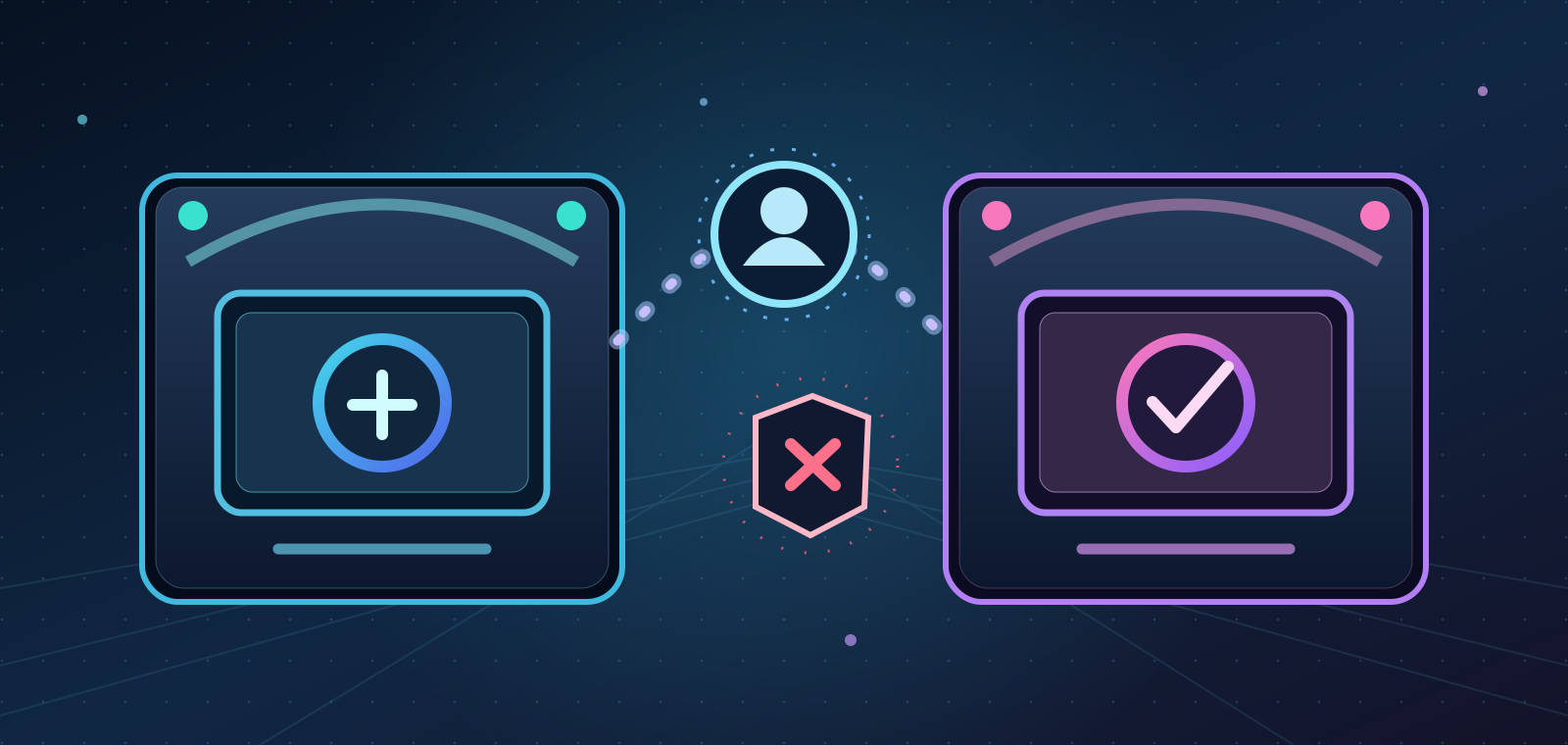
Ubisoft warns in its official account-linking support that unlinking external accounts can permanently affect games and subscriptions, and that generally the same platform account can be relinked while changing it may require contacting support. Epic's Ubisoft-link guidance likewise describes restrictions when an Ubisoft identity was paired with a different Epic account. Players should not blindly disconnect accounts to fix a login annoyance. Even when a UI presents Unlink as a simple button, the back-end restrictions may be more consequential than the visual action suggests.
A launcher requirement is not necessarily the same thing as DRM
A publisher account may be used for social features or cross-progression; a launcher may distribute updates; DRM or online activation may restrict use under certain conditions. Those concepts overlap in some games but should not be substituted for one another. EA specifically uses an external-DRM disclosure for relevant Steam products, which lets the buyer spot a stronger dependency. Other titles may support offline modes without a continuous launcher connection. Checking the exact game's current documented requirements is more accurate than describing every second application as an anti-piracy system.
What happens when the connection is unavailable?
Offline play depends on the actual title, previous activation, installed components and the launcher or service's supported offline behavior. A single authentication failure, server outage or interrupted update may affect some setups without blocking every game that uses the same brand of client. No trustworthy blanket outage frequency or universal offline guarantee follows from the five support pages cited here. The player-facing issue is predictability: customers should know whether the first launch requires the internet, whether an offline session is supported, and whether extra software remains necessary.
One library in the interface does not mean one library of rights
Utilities can display games from several stores in a unified collection, but an interface only aggregates shortcuts and metadata. It does not merge refund policies, purchases, publisher accounts, paid expansions, online profiles or activation requirements. Epic's storefront policy makes that distinction especially concrete. The convenience of seeing one collection should not be confused with portability of licenses. A user can value an attractive dashboard while still needing the original store and publisher services behind the scenes.
Cross-progression solves a different problem from cross-buy
Ubisoft links accounts so eligible games can use supported crossplay and cross-progression features. That is about identity and game state between supported platforms, not a statement that buying once unlocks a separate storefront version. EA's linking guidance similarly discusses connected accounts and progression-related services without promising a universal transfer of every purchase. A player might retain an online profile across devices yet still need to pay for another platform copy. Clear product pages should explain both questions separately: 'Will my progress follow me?' and 'Will I own another version?'
Security gets more complicated as identity chains grow

Two connected accounts can mean two sets of recovery emails, passwords, multifactor security options and customer-support procedures. The additional identity can help publishers operate online communities, but account takeover or a forgotten old email creates more ways for access to become complicated. It is wise to maintain legitimate recovery information and enable available account security tools. However, nobody should ask the player to disable authentication protections or share login tokens merely to repair a launcher chain. Security and convenience need not be enemies if linking is explained well.
Why players feel punished for legitimate purchases
The friction is not simply the few seconds spent opening another application. A launcher may update itself when someone intended to start a game; a link prompt can appear on a shared family computer; two account names can make customer support difficult. For players with unreliable bandwidth, accessibility needs or limited PC resources, the extra steps may matter more. These are plausible costs, not measured averages across all users. The frustration becomes sharpest when a requirement was not clearly disclosed before checkout, especially for someone expecting uncomplicated offline single-player.
Why publishers may still prefer the arrangement
A publisher identity can connect friends, supported cross-progression, multiplayer rules, loyalty systems and direct support across stores. Ubisoft expressly cites crossplay and cross-progression; EA identifies its account as a digital identity for its services. Those are genuine purposes, even when an implementation frustrates users. The existence of a practical business rationale does not justify every background process or silent mandatory login. Good design should ask which integrations actually need to be required for each mode and what optional features can remain optional.
Storefront labels are part of informed consent
EA advises Steam buyers to read a title's product page to discover whether the EA app and online activation are required. Such disclosure matters because customers may be comparing a portable device, a limited-data connection or a PC used without continuous internet. The relevant questions are concrete: Which account must exist? Does a second app run? Can the chosen mode work offline? What restrictions apply to account linking? An accurate answer on the store page prevents a frustrating technical surprise from becoming a dispute about fairness.
What would a less fragmented PC experience look like?
Better experiences could use a clearly named publisher identity with single, understandable authorization; avoid redundant prompts after a secure link; provide accurate offline-mode descriptions; offer reliable recovery; and avoid installing extra software for features the game does not require. Universal license portability is a separate commercial and technical choice, not something account linking automatically creates. No single storefront can solve the problem on its own. Publishers, stores and platform providers share responsibility for a start-up experience that respects the player's time and security.
Conclusion: one purchase deserves an understandable path to Play
Multiple clients are not inherently proof of deception, and linked accounts can support useful cross-platform features. But the purchase record, publisher identity, installation chain and DRM conditions must be described honestly as distinct layers. EA and Ubisoft document real account-link requirements and restrictions; Epic clarifies that storefront purchases do not simply transfer. Players should be able to assess those obligations before buying, rather than discovering a new dependency at the moment of play. This analysis concerns launcher fragmentation, not the separate question of what happens when online-only game servers close.