

Scored an unforgettable eFootball goal or caught a hilarious League of Legends screenshot? You can share moments like these in Zaplat Gaming's Arena. The player post form supports text and images, and can recognize certain valid YouTube links as linked-video content. Here is the workflow, including privacy and why posting a screenshot is not the same as verifying an achievement.
Why share a real gaming moment?
A clear screenshot can start useful conversations about goals, game decisions or tactics. Explain what happened rather than dropping an image without context.
1. Sign in and open the Arena
Go to Zaplat Gaming, sign in and enter the Arena. Browsing and publishing have different permission requirements, so check your account's access.
2. Find player posts
Use the community media/posts view rather than the separate live-broadcast or achievement-submission areas. Each has a different purpose.
3. Prepare a readable screenshot
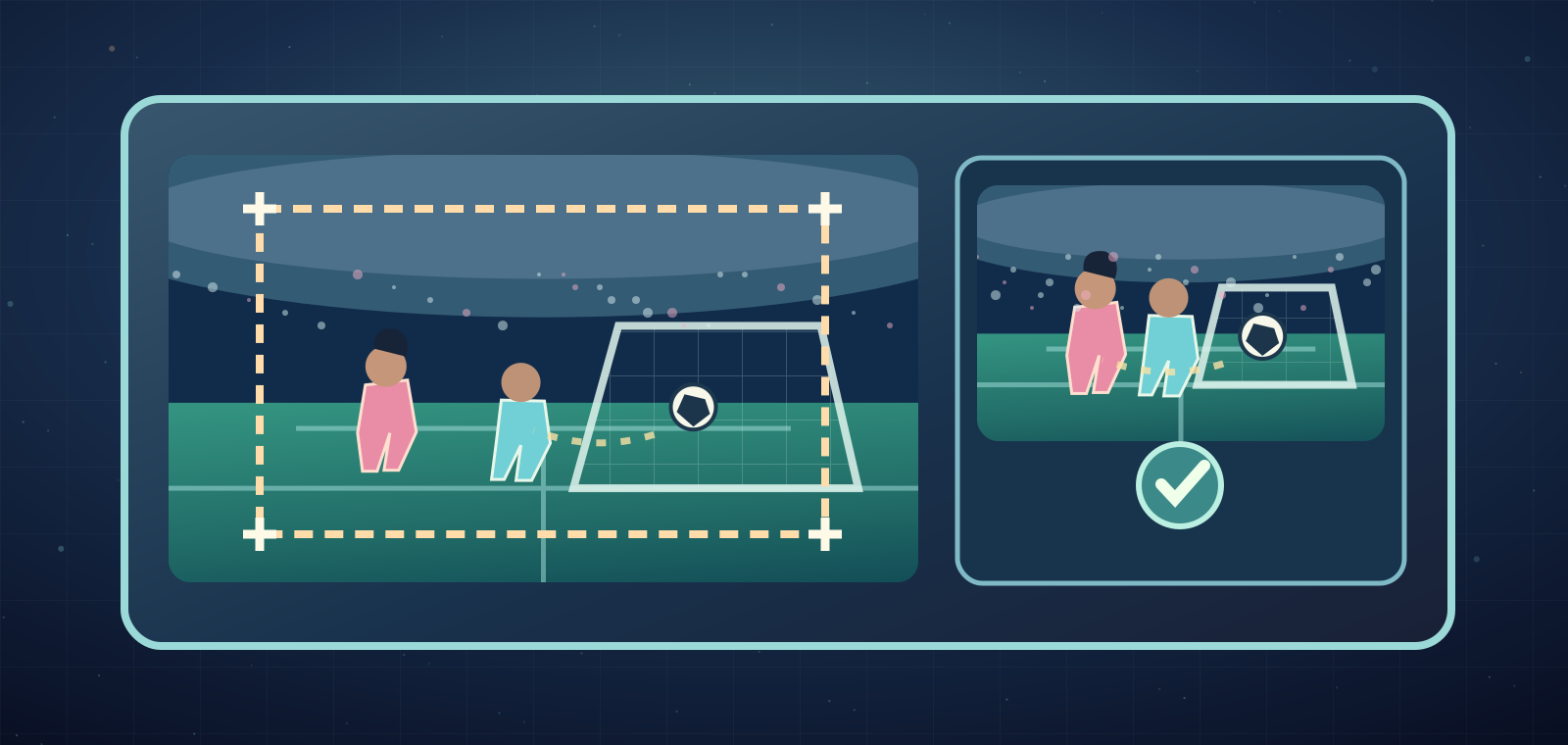
Crop the image to highlight the moment: a match score, rare discovery or funny scene. Hide private messages, email addresses and login codes before you upload.
4. Use a supported image file
The upload interface accepts JPG, PNG and WebP. Do not assume the image picker uploads animated GIFs or MP4 video files.
5. Keep the original file below the limit
The client rejects an original image above 8MB and compresses accepted images before upload. If a file fails, use a smaller supported image.
6. Attach and preview your image
Choose the image option, inspect the preview and submit the correct screenshot. Text is optional with an attached image, but a short explanation makes the post better.
7. Writing a text-only post?
Without an image, the normal posting rule requires at least ten real words; emoji alone do not count. Write a short but meaningful description or question.
8. Sharing a YouTube gaming clip
A valid YouTube video URL in post text can be recognized and displayed as linked video content. This is link sharing, not uploading a local MP4 file.
9. Describe the game naturally
Use the game's correct name and explain the moment in the language you actually use. Descriptive captions are more helpful than unrelated keyword stuffing.
10. When the Post button is unavailable
Possible causes include unsupported image type, oversized image, insufficient words on text-only posts or a 24-hour activity allowance. Read the interface's message and fix the issue.
11. Talk to other players responsibly
Posts can support social reactions and discussion according to site rules. Be friendly and don't expose another player's personal details without consent.
12. A screenshot is not a verified achievement
A posted game result is a social moment, not an officially approved personal achievement. The Arena has a separate review-based achievement workflow.
Can I upload an eFootball or LoL screenshot?
Yes, if it's JPG, PNG or WebP and meets account and file requirements.
Can I upload an MP4 directly?
The reviewed player post form supports images, text and linked video URLs; it does not show direct MP4 uploading.
What's the image upload limit?
The original file must be at most 8MB in the client flow, with compression before upload.
Why can't I post only a few words?
Text-only posts normally need at least ten actual words, subject to active account rules.
Does sharing a victory prove an achievement?
No, verified achievements require a different submission and review process.