

Your friends are playing the same online match across console and PC, yet your expansions do not appear after changing systems. Or you open Fortnite on Nintendo Switch and find a different V-Bucks balance although the outfits and levels look familiar. This is not necessarily a glitch: cross-play, cross-save, cross-progression, digital entitlements and virtual-currency wallets are distinct capabilities. A publisher may support some without supporting all. Epic, Bungie and Microsoft publish concrete examples of these differences. Looking at what each explicitly allows is more reliable than assuming one cross-platform feature makes everything portable.
Four different promises hidden behind 'cross-platform'
Cross-play means competing or cooperating in the same online match across supported systems. Cross-save permits access to a supported character set or game save on more than one device. Cross-progression extends ongoing account progress and earned unlocks when supported. Cross-entitlement concerns the license to install and use a game or paid content on additional platforms. A game may offer just one or several of these features. A promise about matchmaking says little about paid content or whether multiple existing accounts can be combined.
Playing together does not mean owning together
A shared game server can accept parties from PlayStation, Xbox and PC while each store retains its own transaction history and content licensing. The publisher might attach a cosmetic to its own account system, yet a platform may still control access to a purchased expansion. Thus inviting a friend through cross-play does not demonstrate that a PC expansion can be downloaded for free after buying it on console. Social compatibility, progress storage and purchasing rights operate at different layers.
A cloud save is not always one portable file
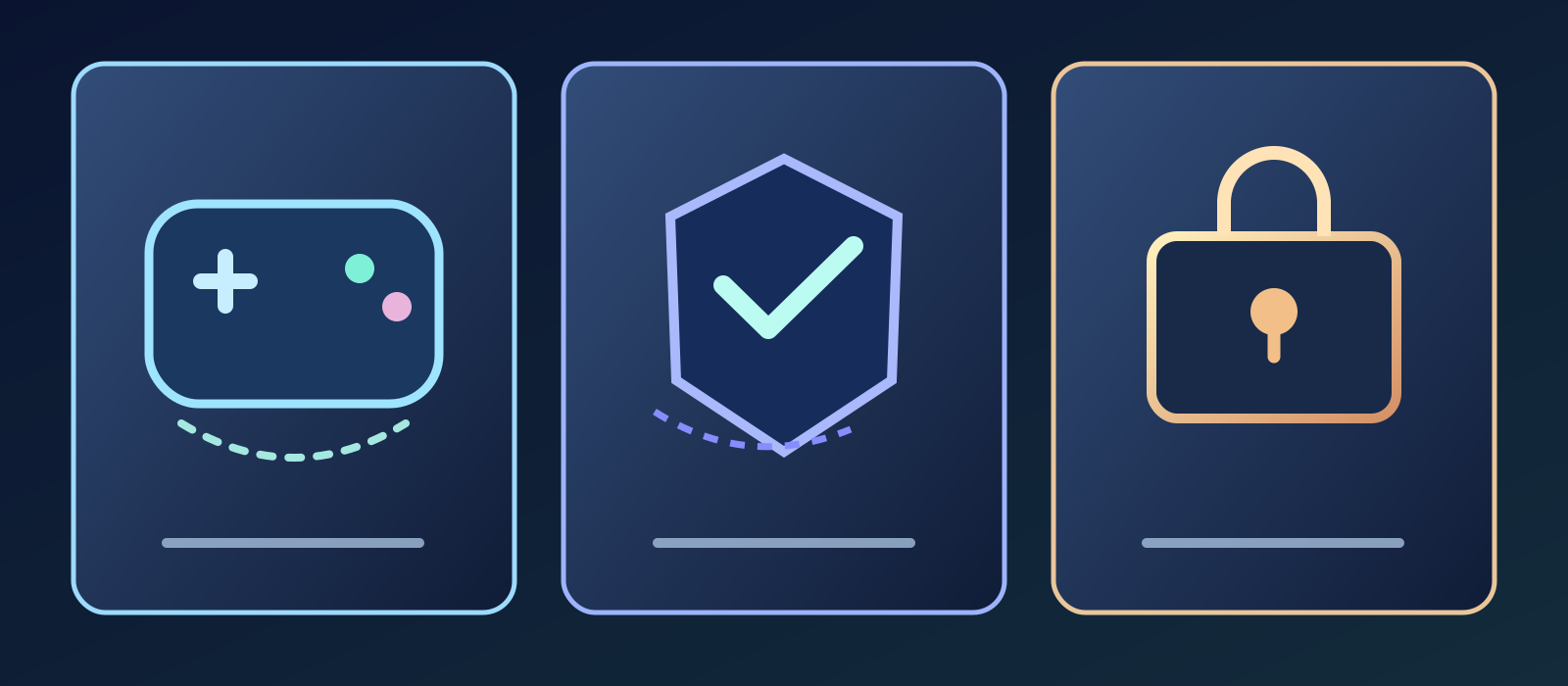
- Play together
- Sync your progress
- Own a valid license
Some titles store progress locally and mirror it in a platform cloud, whereas others store characters on the publisher's servers. A cross-save service might ask you to pick one active character set, not automatically merge all character sets across accounts. Changing platforms can therefore reveal the correct character while leaving another set temporarily dormant. Before linking or disabling anything, identify where your progress was created, how the game selects an active account and whether old saves can be recovered.
Fortnite requires the right Epic Games identity
Epic says Fortnite progress and eligible purchases can be available across Xbox, PlayStation, Switch, PC and mobile when each platform is linked to the same Epic Games account. That is identity-based synchronization, not an automatic merger of two independent Epic accounts. If you sign in through a different identity, the available locker and progression can look unrelated. Confirm which Epic account owns the progress you want before unlinking a platform in an effort to force the two inventories to combine.
Why Fortnite V-Bucks balances can differ
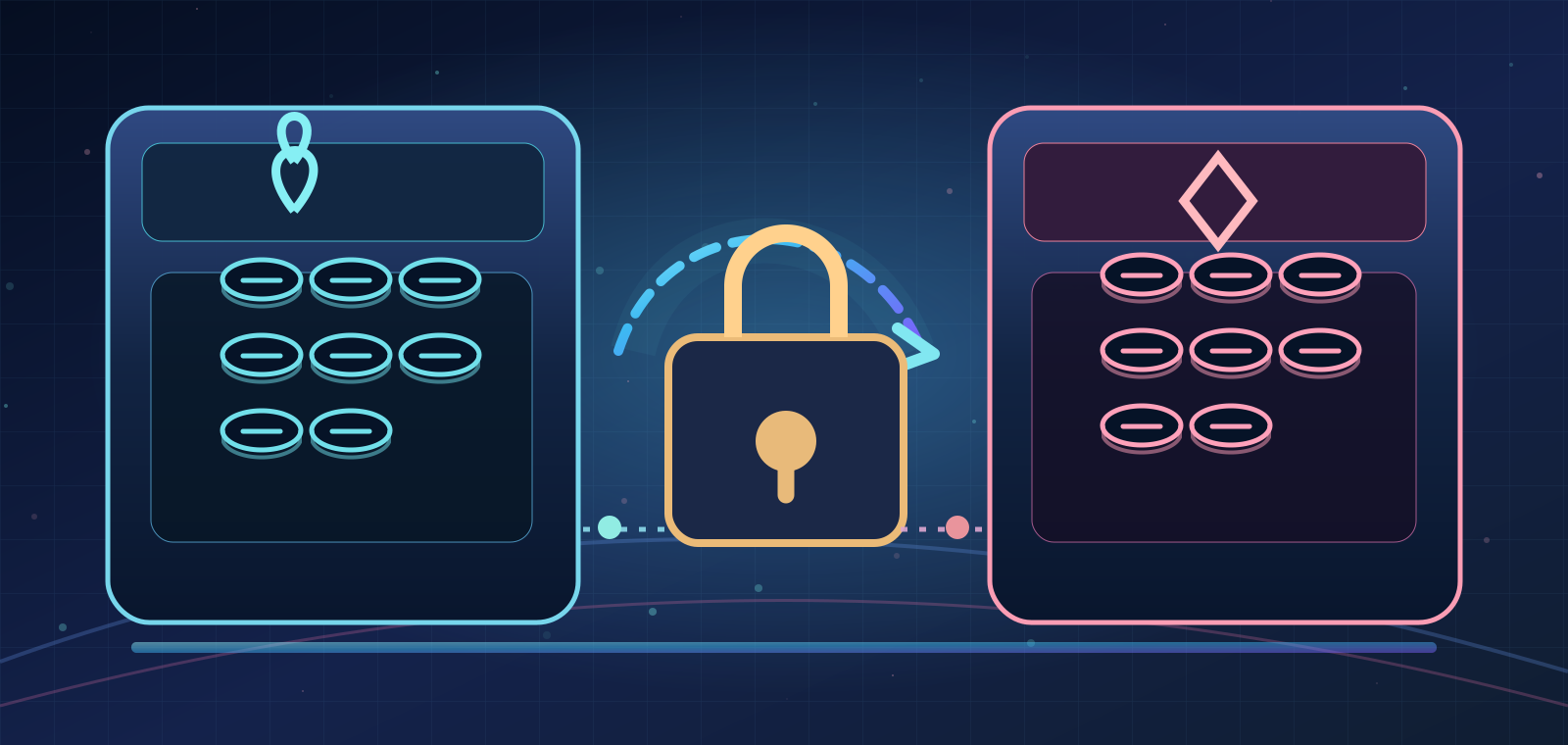
Epic's shared-wallet documentation says some V-Bucks are portable, while purchased V-Bucks on Nintendo Switch stay on that platform. V-Bucks earned through Fortnite Passes, Quest Packs and Save the World are shared more widely. Epic also documents a special case for players in Korea: V-Bucks bought on PC are not shared to other platforms. So a smaller virtual-currency balance on a device does not prove purchased outfits or progress have disappeared. The wallet policy and the locker policy should not be conflated.
Buying an item is different from transferring the currency
Epic explains that items bought with V-Bucks are available across platforms associated with the same Fortnite account, even when the original currency balance is wallet-locked to a platform. This distinction explains why a purchased outfit may be visible on your PC while the remaining Switch-bought V-Bucks cannot be spent there. But it is a Fortnite-specific policy, not a guarantee that every game publisher shares every cosmetic, bonus currency or subscription benefit across stores.
Two Epic accounts cannot simply be merged
Epic's current support policy states that two distinct Epic Games accounts cannot be merged, nor can Epic Games Store purchases, V-Bucks, cosmetics or friends lists simply be moved between them. Older guides describing a historical account-merging program are not evidence that the feature still exists. Linking a console to another Epic identity changes which account's current progress is displayed; it does not fuse separate progress histories. Establish account ownership before using any link or unlink control.
Destiny 2 shares an active character set, not every license
Bungie's Cross Save feature lets you select one Destiny 2 account's characters as the active set across supported connected platforms. Other existing characters are not deleted, but become dormant while that cross-save selection is active. The service does not merge characters and inventories from multiple accounts into one new account. It allows continuity of the selected characters without rewriting each platform store's entitlement records. The last distinction matters when a player expects access to all expansions.
Destiny 2 DLC purchases can remain platform-locked
Bungie explicitly warns that Destiny 2 expansion DLC licenses do not move between platform accounts through Cross Save. A player who bought a relevant expansion on PlayStation may need to buy that expansion again on Steam or another platform where they want to access its activities. Having the same character and items visible after changing devices does not grant a license to all previously purchased downloadable content. Characters, season passes, wallet balances and expansion rights should be checked against their respective official policies.
Destiny 2 has a Cross Save reactivation waiting period
Disabling Destiny 2 Cross Save reveals the original character sets on their corresponding accounts, according to Bungie, but re-enabling is subject to a mandatory 90-day waiting period. Recent Silver transactions also have relevant lockout restrictions. It is therefore not a harmless switch for rapidly combining and separating characters. Selecting the wrong active set can temporarily disrupt access to the characters you intended to play. Read the official guide and validate every linked account before changing this setting.
Xbox Play Anywhere can join purchase rights and saves
Microsoft's Xbox Play Anywhere program offers eligible digital games on Xbox consoles and Windows PC from a qualifying Xbox-store purchase without another charge for the supported version. Supported titles also carry saves, achievements and eligible add-ons within the Xbox ecosystem. This is more than cross-play: it is an explicitly defined combination of cross-progression and cross-entitlement. The essential condition is eligibility, not merely the presence of an Xbox logo or a multiplayer cross-platform mode.
Do not extend one storefront's promise to every store
An eligible Xbox Play Anywhere title may grant console and Windows access from a supported Xbox-store digital purchase, while an unrelated copy on Steam or another storefront need not carry that same entitlement. Likewise, a game can support friends playing together across PlayStation and PC without offering a buy-once license. Publisher accounts, storefront rules, title versions and platform generations can produce different outcomes. Check your particular store listing and the publisher's official account guidance rather than relying on the marketing word 'cross'.
A safer way to switch your main gaming device
Before switching, document the publisher account and every linked platform identity. Where supported, back up local saves and verify that cloud sync completed. Check whether the game selects one active profile, like Destiny 2, or synchronizes a single publisher account, like Fortnite. Avoid unlinking accounts repeatedly simply because a character is not appearing: some services impose delays, lockouts or limits on relinking. Follow the current official account-specific procedure and protect your account with available security features.
Four questions to ask before paying again
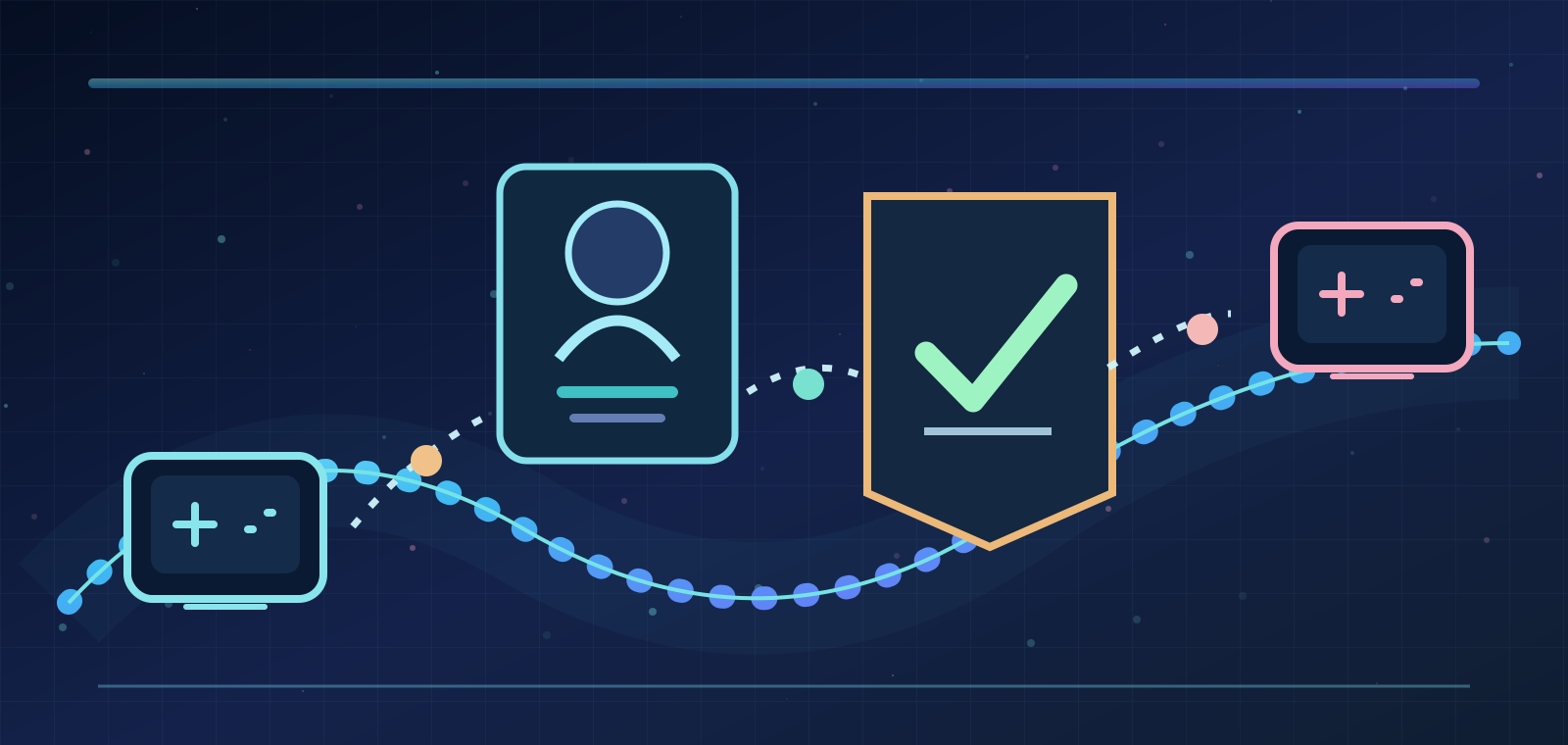
Ask separately whether you can play with friends on another platform, keep saves and achievement progress, see purchased or earned cosmetics, and download the base game or DLC under an existing license. Then check wallet limitations, region and account rules, and which storefront you actually used. This approach may prevent needless duplicate purchases while identifying expansions that genuinely require a separate license. Cross-platform convenience is best evaluated feature by feature, not from a single tick box.
The takeaway: portability requires more than cross-play
Cross-play connects players; it does not unify all accounts and licenses. Fortnite depends on the linked Epic Games identity and has specific V-Bucks exceptions. Destiny 2 gives continuity to a selected active character set while expansion licenses can remain bound to a store. Xbox Play Anywhere combines eligible purchase rights and progression within its stated ecosystem. No single universal cross-platform promise covers every title. Verify the game, account, store and currency rules before linking identities or buying content again.
Sources & references6
This analysis uses Epic's official account-linking, no-merger and Shared Wallet support pages, Bungie's Destiny 2 Cross Save guide including expansion-license and cooldown rules, and Microsoft's Xbox Play Anywhere consumer and developer documentation. Reviewed October 9, 2026. Platform, region, game editions, virtual-currency type and store policies can change. These examples establish what the cited products document, not a promise about all other games. The comparison is Zaplat Gaming editorial analysis.
- Epic Games — a23041562epicgames.com
- Epic Games — why don t all of my v bucks transfer across platforms a202300000011516epicgames.com
- Epic Games — a18751784epicgames.com
- help.bungie.net — 360049498031 Destiny 2 Cross Save Guidehelp.bungie.net
- Xbox — xbox play anywherexbox.com
- developer.microsoft.com — develop for xbox anywheredeveloper.microsoft.com