

A message arrives claiming somebody accidentally reported your Steam account and a ban is imminent. Another user, apparently a friend, recommends moving expensive skins to a 'safe' inventory. A Discord bot offers an exclusive Nitro gift if you scan a code. Each story looks different, yet each exploits the same instinct: resolve a threat or claim a reward before thinking. Gaming accounts contain friendships, inventories, subscriptions and histories that are costly to lose. Steam and Discord's own safety documentation shows why these scams are convincing—and which apparently reassuring steps can make the damage worse.
Why gaming communities attract confidence scams
Accounts with rare cosmetics, marketable items or established server reputation can be attractive targets because scammers can impersonate a trusted member and apply pressure. Steam calls deception based on an apparent authority or relationship a confidence scam, while its trade scams rely on an unfair exchange hidden behind a plausible story. Not every unusual DM is criminal and not every game item has monetary resale value; the pattern to watch is a stranger asking you to bypass a normal account or trade process.
The fake accidental-report and imminent-ban script
Steam's official Scam FAQ specifically identifies the story 'I accidentally reported you, and you will be banned' as a scam introduction. Valve says false reports are disregarded. A message demanding urgent proof of ownership, an outside conversation with an 'admin', or account credentials is not the appeal procedure. The convincing detail is the deadline: the victim is urged to act before contacting support through the official help site. The appropriate answer is to stop the conversation and verify independently.
Why a friendly profile is not proof of identity

- Fake authority
- Pressured approval
- Verify independently
An account belonging to a real friend can be hijacked, and a name or avatar can be copied. Steam warns that scammers may impersonate acquaintances and respected traders. Discord separately explains that compromised accounts can send misleading requests. A shared server, friendly tone or long message history does not guarantee the current sender controls that account legitimately. Verify a surprising trade through a different trusted channel rather than trusting the profile portrait or assuming the friend's account is still secure.
Steam Support will not verify an inventory in a DM
Someone claiming to be Valve staff in Discord, Steam Chat or another unofficial channel and demanding that you send items for 'inspection' is not functioning as Steam Support. Valve says its help website is the proper place to deal with account and inventory questions and warns about requests to move items for little or no value. Legitimate item review does not require gifting away expensive skins to an alleged administrator. The urgency, authority claim and request to act outside your normal account interface are the warning signs.
Trade redirection is not always an API-key attack
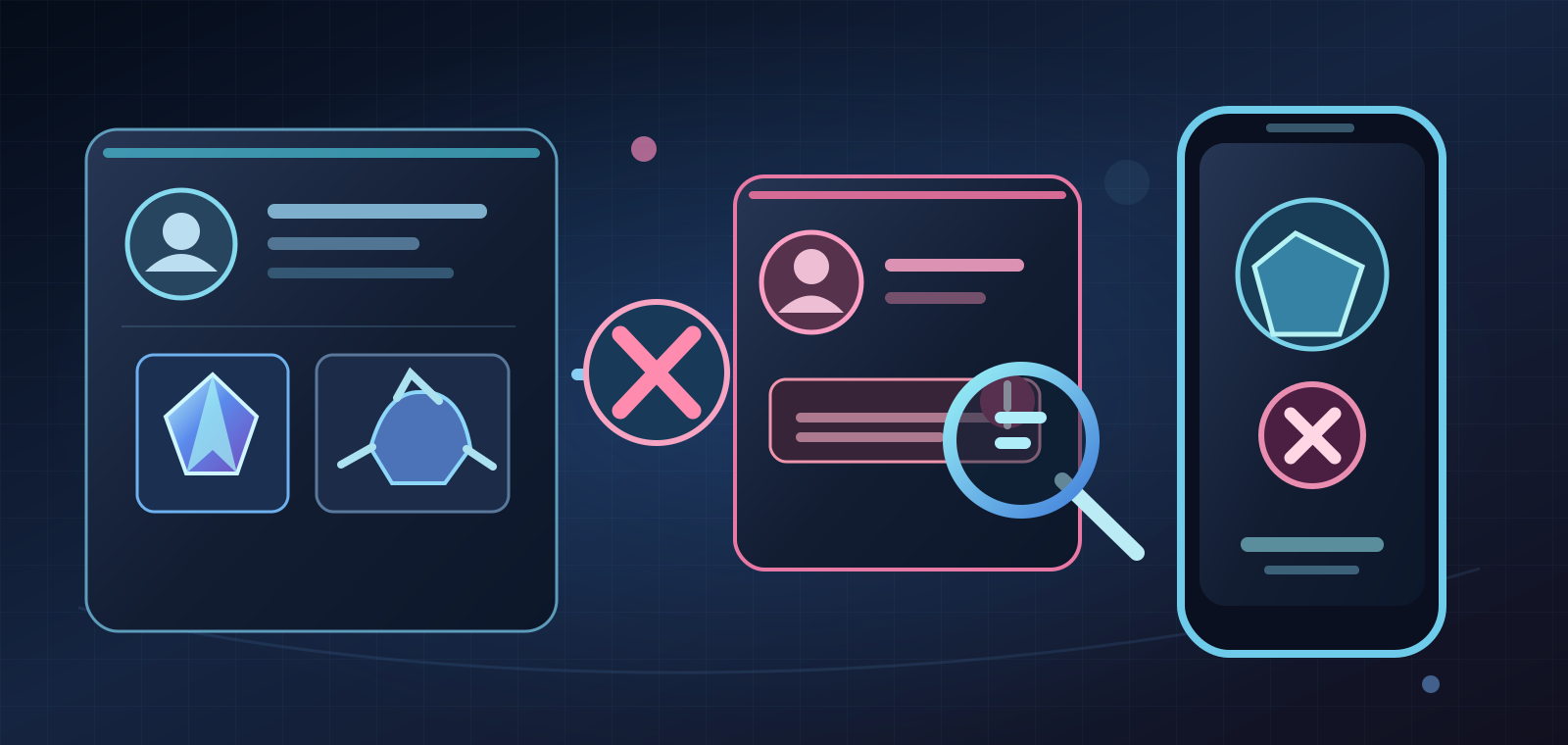
Steam documents an attack in which a criminal who already controls an account can cancel a pending trade and replace it with an imitation offer to a lookalike recipient, hoping the owner confirms the wrong trade on a phone. Some communities call this an 'API scam', but Valve explicitly says an API key is not required for every redirection. The prerequisite is account compromise, whether through credential theft, malicious software or another method. Redirection is different from a simple dishonest bargain, though both can cost real items.
What the Steam mobile confirmation really protects
Steam trade and market confirmations exist so the owner can verify what is leaving an account. Valve says the mobile authenticator gives a final chance to inspect the correct recipient and items; it is not a magic fraud filter. If you approve an altered or unexpected trade, you can authorize the theft yourself. The safest practice is to read every confirmation afresh, including whom the trade is going to, not merely glance at the item thumbnail or trust an earlier screenshot from a chat.
Why trading for promises outside the window fails
Steam's recommended practices say a safe supported trade contains the full exchange in one trade window. Money sent via a separate app, promises of later wallet balance, item 'duplication', middlemen and verification transfers expose the player to risks the platform cannot secure. Steam states that once a trade is confirmed it cannot simply be reversed, and scam-related item restoration is limited. Someone offering an unrealistically good deal while demanding that you act quickly is giving you a reason to stop, not a reason to hurry.
The fake Nitro gift and urgency trick
Discord's guidance warns against unsolicited links, third-party Nitro sellers and supposed free products from bots. Its official support describes secure ways to buy or redeem gifts through supported Discord channels, while suspicious DMs can imitate promotions to solicit passwords, money or logins. That does not mean every gift is fraudulent: legitimate gifts and promotions do exist. The difference is whether the offer can be verified from Discord's own app and official information instead of from a stranger's link or request for a payment outside the service.
Discord QR code login: scanning versus approving
Discord's QR login lets your logged-in phone approve a new desktop or browser session without entering a password. Its FAQ makes a critical distinction: scanning an unfamiliar code can open an approval screen, but the login should not succeed unless you approve it. A stranger who insists that you scan and approve their QR code may be trying to sign into their machine with your account. Never approve a sign-in you did not initiate; if a code unexpectedly opens authorization, press Cancel. This is more precise than claiming all QR scans instantly steal accounts.
Passwords and two-factor authentication have limits
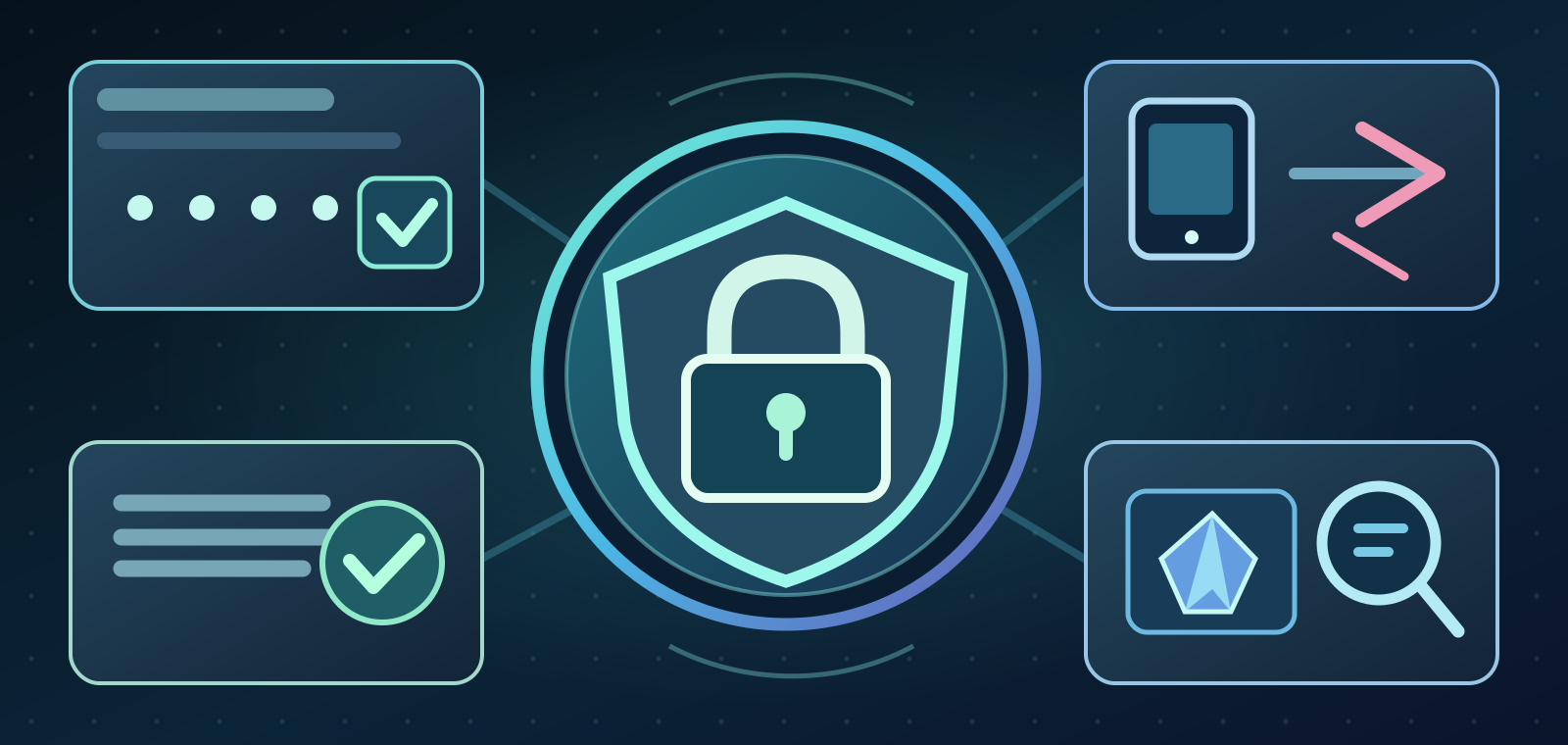
A unique password and two-factor authentication reduce many account-takeover risks, but they do not make a user immune to social engineering. Someone can still persuade the account owner to approve an unauthorized login or mobile trade confirmation. Avoid reusing passwords, sharing recovery details or installing a 'verification' application sent in a DM. Prefer opening the official client or typing the support address yourself. Security is a series of decisions rather than a single toggle that permanently removes all risk.
If the Discord account has already been compromised
Discord says its staff do not contact users in direct messages to handle support requests or demand passwords and payment. If you suspect compromise, first inspect your email, including notices of an address change that may contain a time-sensitive reversal option. Change the password using the official Discord service, revoke suspicious sessions or integrations where available, enable stronger authentication and contact the legitimate support channel. Tell friends not to trust new messages that appear to come from you. Recovery may not always succeed.
If your Steam inventory or account is at risk
If an unexpected Steam confirmation appears, Valve tells users to reject it and consider their account or computer compromised. Secure your email and Steam login through the official help site, inspect authorized devices and API access if relevant, and seek account recovery through Steam Support. Changing a password alone may not remove malicious software from a device, so check the device before trusting new credentials. Report the incident promptly and preserve relevant details; do not send more items to anyone offering to 'reverse' the theft for a fee.
How public communities can respond without panic
Moderators in gaming Discord servers can reduce harm by discouraging surprise verification links and impersonated support messages, limiting suspicious bots and explaining where official account support resides. They should avoid publishing a victim's login data or encouraging public shaming based on an unverified accusation. Clear reporting channels and a calm pinned warning work better than forwarding an attacker's URL to hundreds of members. Community safety requires responding to bad behavior without turning every unfamiliar newcomer into a suspect.
The subtle cost of fear, trust and sunk time
The mechanism is emotional, not merely technical. The threat of losing years of progression pushes players to obey a fake official; the possibility of a free subscription or rare skin creates urgency in the opposite direction. A supposed friend supplies social proof. Scammers can combine all three. People who already traded once may be asked to pay again to recover losses; a second payment is not evidence of legitimacy. Recognizing fear, excitement and embarrassment as decision pressures helps players interrupt the script before clicking.
A safer habit before clicking or accepting
Before accepting an unusual request, ask whether you initiated it, whether the sender has authority outside the platform, and whether you can confirm the action independently. Open Steam or Discord yourself instead of following the provided link. For any trade, review the live destination, items and terms before the final approval; for QR login, confirm that the authorization corresponds to your own computer. If an offer expires the moment you ask questions, it is generally safer to lose the offer than your account.
Conclusion: slow down before granting authority
The key lesson is not that all online friends, bots or digital trades are unsafe. It is that genuine interfaces can be misused when an attacker controls the story around them. Official Steam guidance distinguishes scams from account compromise and says API keys are not universally responsible for trade redirection. Discord warns that support impostors and QR login approvals can put an account at risk. Keep important decisions inside trusted interfaces, distrust manufactured deadlines and seek account recovery through official channels if anything looks wrong.
Sources and important limits
Primary sources verified October 9, 2026: Valve Steam Scam FAQ, Trade Redirection, Trade and Market Confirmations; Discord's compromised-account guide, safer-shopping guidance and QR login FAQ. Descriptions of typical scam scripts come from these primary guides, not a measured 2026 crime rate. Platform recovery, reversal and item restoration are subject to the individual case and current policies. This article is an analytical player-safety feature, not an instruction to test or reproduce account-takeover techniques.
Sources & references6
- help.steampowered.com — 70E6 991B 233B A37Bhelp.steampowered.com
- help.steampowered.com — 7F4E 1D40 43D0 73FDhelp.steampowered.com
- help.steampowered.com — 2E6E A02C 5581 8904help.steampowered.com
- support.discord.com — 24160905919511 My Discord Account was Hacked or Compromisedsupport.discord.com
- support.discord.com — 28606213995031 Safer Ways to Shop on Discordsupport.discord.com
- support.discord.com — 360039213771 QR Code Login FAQsupport.discord.com