

A handheld gaming PC can promise smooth high-refresh play and still make you plan every session around a charger. That is not always a contradiction in engineering: frame-rate targets, power limits and battery capacity answer different questions. Steam Deck OLED, ROG Xbox Ally X and Lenovo's Legion Go S illustrate how different design priorities can coexist in the same category. The useful debate is not which device wins a specification contest, but what players sacrifice—in heat, noise and session length—when they push for more frames.
Battery capacity is not a playtime guarantee
Watt-hours describe stored energy, not a universal number of playable hours. Valve lists a 50Wh Steam Deck OLED battery with a content-dependent 3–12 hour range. ASUS specifies 80Wh for the ROG Xbox Ally X; Lenovo lists 55.5Wh for the Legion Go S 8APU1. Those verified numbers do not establish a real-world ranking until a reviewer measures comparable games, frame limits, screen brightness and whole-system consumption.
Where does the power actually go?
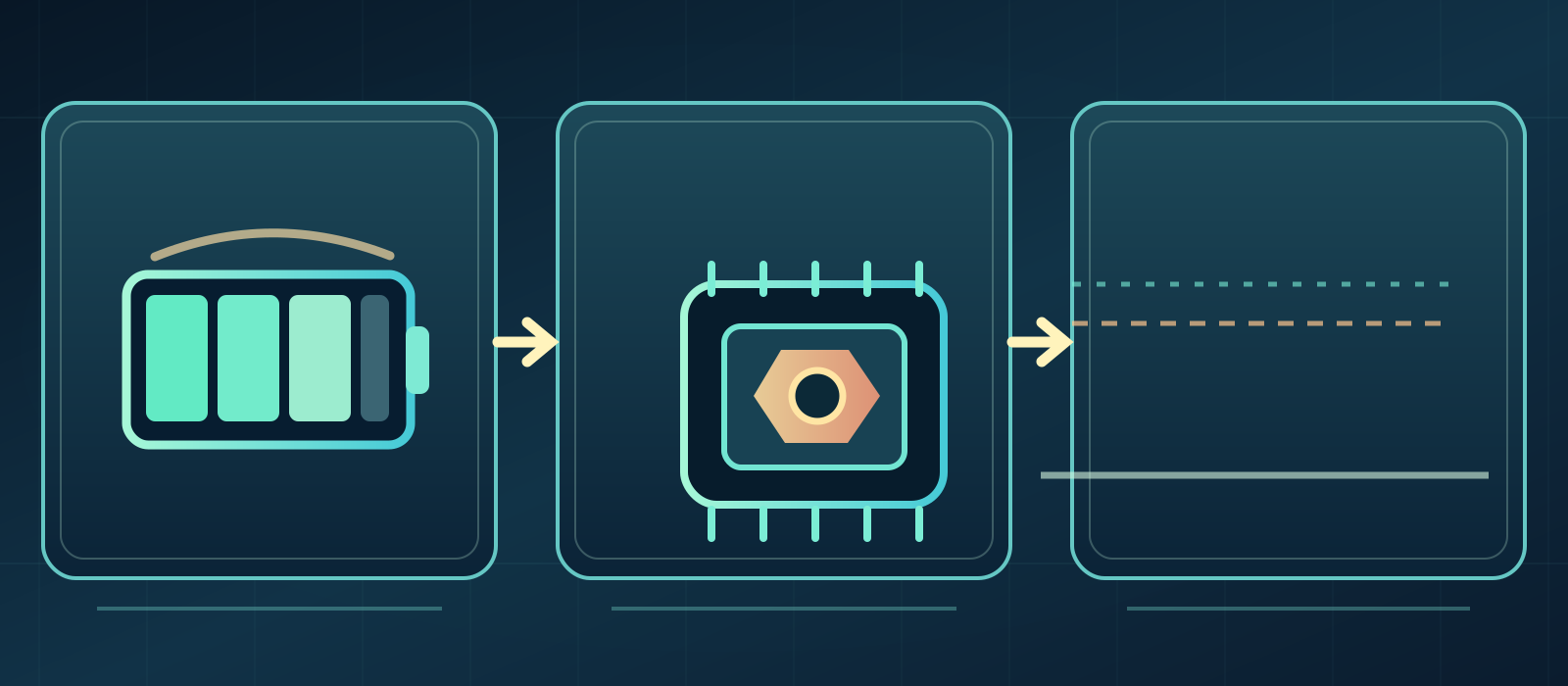
The APU is only one claimant on a handheld's battery. Display brightness, memory, storage, radios, fans, input controllers and supporting chips all need power. A user who selects a 15W processor setting should not expect the device's total draw to equal 15W. The difference matters when a formula projects battery life from TDP alone and claims more precision than the test supports.
What TDP explains—and what it doesn't
- Stored energy
- System power
- Delivered frames
Players often use TDP as a shorthand for a chip's operating power budget, yet manufacturers and software utilities may measure or cap different quantities. Valve specifies a 4–15W APU operating range for its OLED handheld; that is not a total-system power figure. At some point more chip power can yield diminishing frame-rate gains if cooling, memory bandwidth or a particular game engine is the bottleneck. Measure frame pacing and whole-system draw instead of treating one slider as a universal truth.
A stable 30 FPS is not a defeat
Narrative RPGs, slow adventures and strategy-oriented games may feel coherent at a stable 30 frames per second. Consistent frame delivery matters: a shaky 55 can be more distracting than a well-paced 30, even though it reports a larger average. A lower target may allow less demanding power settings and a quieter fan. Faster action and aiming can justify a different decision, so the sensible target starts with a player's actual game.
Why 40 FPS can be an interesting middle

Forty frames per second can provide an appealing compromise when the game, refresh mode and device support suitable presentation timing. It produces more new visual updates than 30 while potentially avoiding the power needed to maintain 60 under load. The difference is not guaranteed across every panel or title, and inconsistent frame times can wipe out its advantage. Think of 40 as an optional configuration to evaluate, not an automatic battery-saving trick.
When 60 FPS is worth its cost
Sixty frames per second can make fast combat, racing and camera movement feel more responsive. Reaching that target might require sustained higher clocks and power, although consumption does not follow a simple one-to-one equation with frame rate. The trade-off is personal: an action-game enthusiast may happily accept shorter sessions, while an exploration player might prefer quiet stability. A benchmark should present both frame performance and the power required to sustain it.
Refresh rate does not create game frames
The Steam Deck OLED display reaches 90Hz, while other handheld configurations offer different refresh ceilings. Display refresh is how often a panel can update; delivered game frames depend on rendering. Repeating a 30-FPS frame on a 90Hz panel does not produce 90 distinct game frames. This distinction prevents shoppers from mistaking an impressive display specification for a promise about what every demanding PC game will run.
OLED versus IPS is not a one-line battery verdict
OLED offers strong contrast and very fast pixel response, while IPS can make sense for price, image behavior and practical preferences. But power usage depends on brightness, displayed content, refresh settings and the entire device—not panel technology alone. Bright scenes and dark scenes can lead to different measurements. Claiming that all OLED handhelds always last longer, or that every IPS model is inefficient, oversimplifies both technologies.
SteamOS and Windows involve different compromises
SteamOS focuses on a console-like PC gaming workflow and Valve's compatibility labeling. Windows can broaden access to launchers and applications, although background processes and handheld controls change the day-to-day experience. Neither operating system automatically guarantees more FPS or hours under every game. Anti-cheat compatibility, installers, multiplayer needs and whether the user relies on third-party services should be tested for the exact titles they play.
Does an 80Wh battery automatically win?
A bigger battery will generally last longer only if the compared systems draw similar total power. An 80Wh device running a high-power chip and bright display can yield a different runtime ratio than a 50Wh unit tuned for efficiency. Weight and grip fatigue add another complication: extra theoretical hours matter little if the device is uncomfortable to hold. That makes battery capacity a necessary input, not a standalone buying verdict.
How to read a battery benchmark fairly
Ask for the game and version, graphics preset, resolution, brightness, frame-rate cap, power mode, Wi-Fi state and test endpoint. A two-hour result and a five-hour result can both be credible if one used a demanding game and the other a lightweight title. Generic manufacturer ranges are useful context but are not promises for a specific upcoming flight. Prefer reproducible scenarios close to your own playing habits.
The settings that often matter first
Start with a realistic consistent frame cap and check demanding scenes. Next identify unusually expensive graphical settings before reducing the chip power budget too far. Lowering brightness can help, but a screen that becomes unreadable has defeated the purpose of a handheld. There is little value in disabling security components or applying unverified system hacks for a theoretical few extra minutes. Comfortable, stable play should be the objective.
Heat and fan noise are performance metrics too
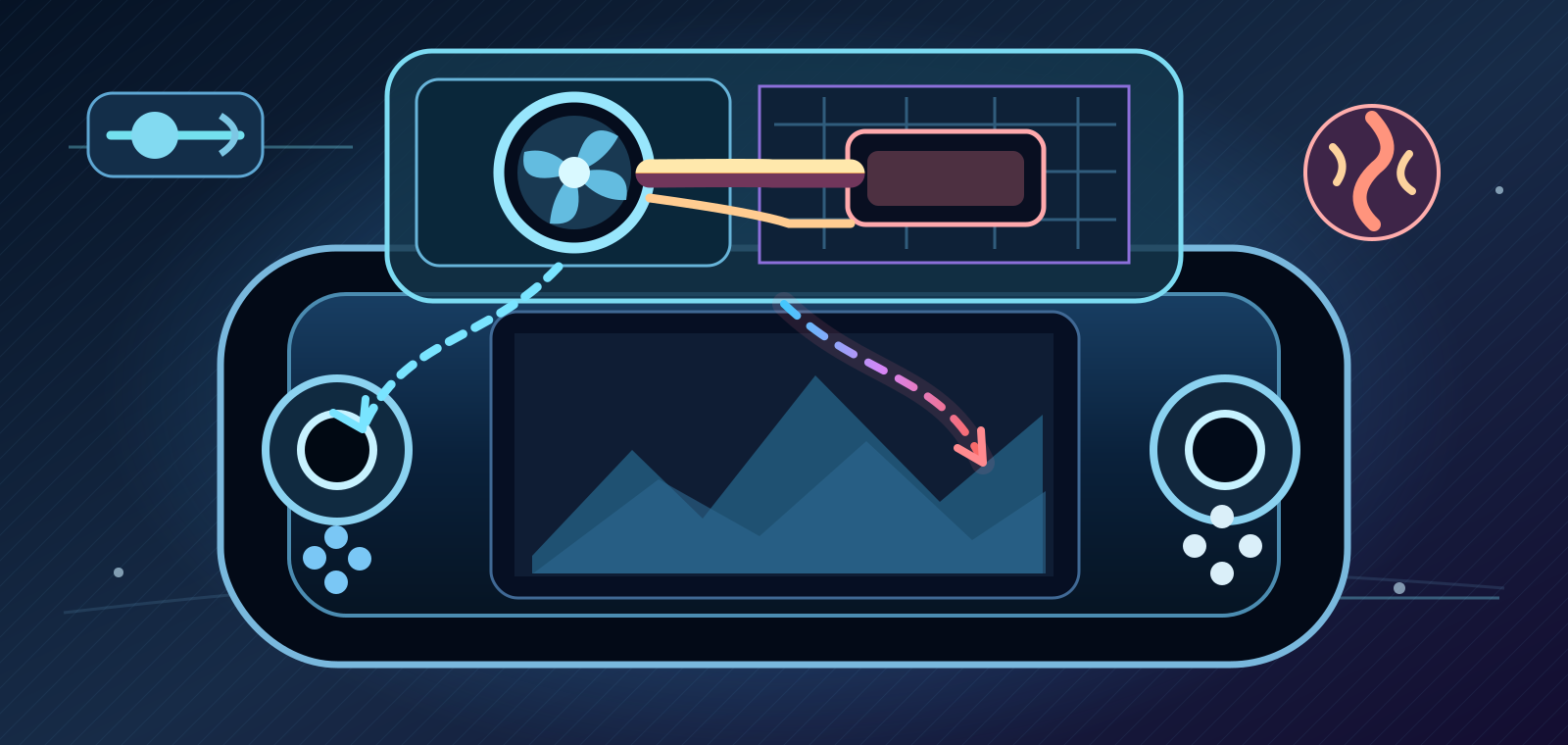
A handheld is held inches from a player's face and hands. An extra few FPS can be a poor bargain if fan noise and surface temperatures rise beyond what feels comfortable on a train or in a shared room. Sustained performance also depends on cooling design and ambient conditions. Reviews that report only peak FPS ignore much of the portable experience; stable thermals and a predictable acoustic profile deserve equal attention.
Online play changes priorities
Online gaming adds network activity, but it is inaccurate to blame poor battery life on Wi-Fi alone without measuring graphics and system workloads. Competitive players may prioritize faster response and a reliable connection over maximum unplugged runtime. Solo campaigns invite different choices, and downloads or patch checks can interrupt an otherwise efficient session. Portable performance is the combined reliability of battery, network, controls and software.
The real ownership costs beyond the box
A carrying case, compatible charger, suitable power bank and expandable storage can affect the practical cost of a handheld. The game licenses, launcher support and subscription catalog the player uses also shape value. A high-spec purchase that spends every session attached to a wall socket may undermine the mobility it was meant to deliver. Comparing only the advertised screen and chip omits how the device fits ordinary life.
Choose a play pattern, not a winner badge
Lightweight games during commutes reward ergonomics, suspend/resume and quiet efficiency. Demanding PC releases and diverse launchers may justify more flexible operating systems and higher performance budgets. Neither Valve, ASUS nor Lenovo supplies a universally superior answer across games and settings. The gaming community benefits from comparable test conditions, transparent power data and user choice—not simplistic spec-sheet rivalries.
Sources & references4
In short, Wh describes the energy available; actual game time depends on the complete system and how it is configured. A useful comparison names the title, scene, brightness, graphics preset, target FPS and observed duration. Manufacturer technical and compatibility