

Accessibility in EA SPORTS FC 27 goes far beyond a basic brightness slider. If a player is hard to spot against a busy pitch, if crowd audio masks game information, or if a Career cinematic is difficult to read, FC 27 provides dedicated ways to change on-pitch contrast, colors, player indicators, subtitles, camera behavior and audio. The Grounds has its own reticle, teammate and camera options, so settings that help in eleven-a-side are not necessarily the only ones you need.
EA's official FC 27 Accessibility Resources page documents a new Accessibility Filter and icons, High Contrast mode, Protanopia/Deuteranopia/Tritanopia filters, editable individual-player indicators, text and narration features, and specialized The Grounds adjustments. Importantly, EA says the reference reflects the North American English PC and console version, and that some choices vary by region and language. Certain communication and narration features have explicit North America-only limits.
This guide tells you what each official control really does, what you need to set before kickoff and what merely changes a display instead of game mechanics. Optional adjustment routines are our editorial suggestions, not a medical prescription or a promise of extra frames per second, competitive advantage or support for an unlisted language.
Find the new Accessibility Filter and setting icons
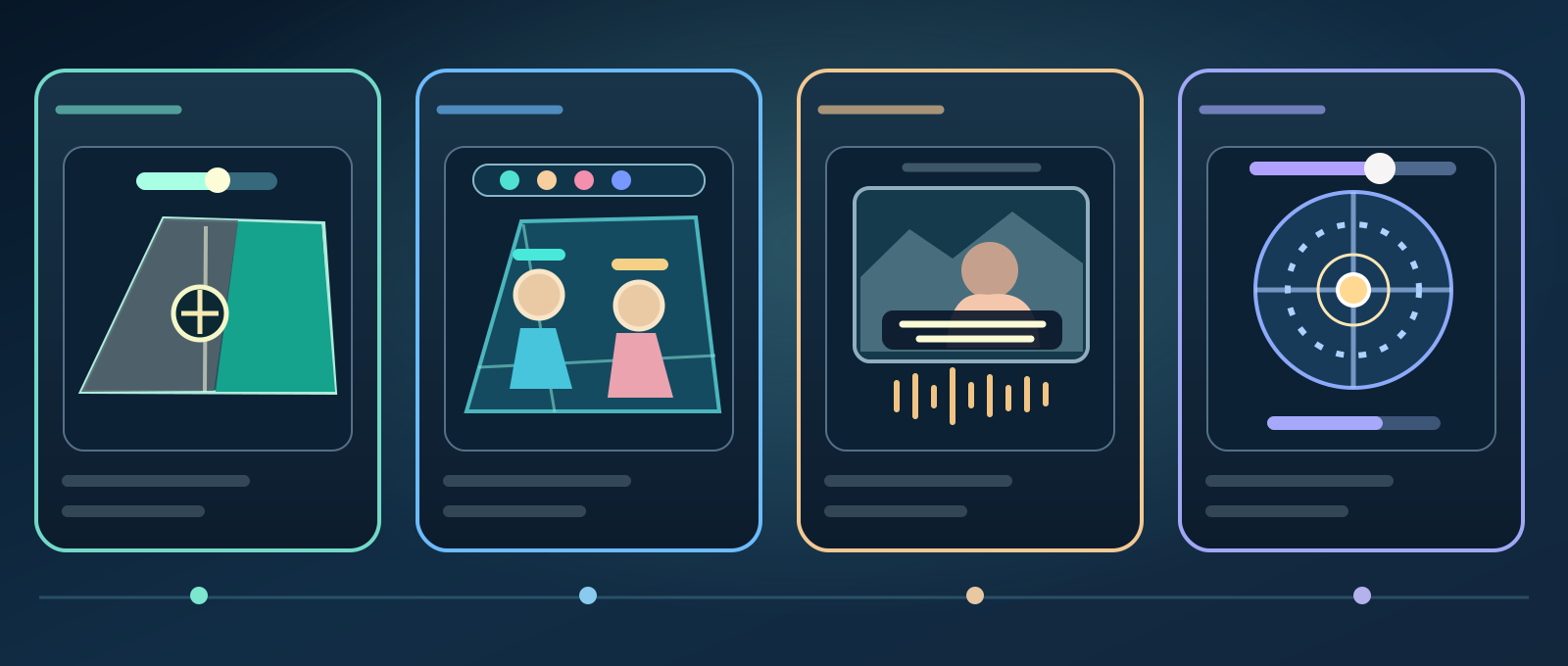
- Pitch contrast
- Player indicators
- Captions and sound
- The Grounds
- High Contrast and Colorblindness serve different purposes.
- Set Pitch Saturation and Stadium Shadows before a match.
- Personalize indicators, radar and Career cinematic subtitles.
- Narration and communication options have explicit regional limits.
- The Grounds adds its own reticle, camera and audio settings.
FC 27 adds an Accessibility Filter inside Settings, letting players narrow the list to relevant accessibility controls. EA also uses icons for settings that may serve visual, auditory, cognitive or mobility-related needs.
Use the filter as a navigation shortcut rather than treating its category as an eligibility test. You can mix visual, motion and audio changes regardless of why you find them comfortable. Check the actual localized Settings screen because category wording may vary.
High Contrast can recolor kits or entire players
High Contrast Mode is Off by default and unlocks several appearance adjustments when enabled. Shader Visual supports Cloth Only, applying the high-contrast shader to player kits, or Full Body, applying it to entire player figures.

Home Team, Home Goalkeeper, Away Team and Away Goalkeeper colors can be chosen separately, as can ball and referee colors. We suggest choosing distinguishable combinations and testing on a real pitch; there is no single universal preset that EA says works for every player or visual condition.
Pitch Saturation must be chosen before kickoff
The High Contrast Pitch Saturation slider runs from 0 to 1. At 0, EA says the entire pitch becomes grayscale. This can separate colorful player kits or ball markers from a visually complex field for those who find that helpful.
EA explicitly says Pitch Saturation cannot be adjusted from the in-match Pause menu. If you want a particular saturation for a competitive match, select it before starting. It is not the same control as Colorblindness, which applies a full-screen filter.
Switch off Player Shadows and Stadium Shadows
Player Shadows can be On (default) or Off to remove shadows cast by the players. Stadium Shadows can likewise be switched off to remove shadows from stadium structures and the surroundings.
Two caveats matter: Stadium Shadows must be set before gameplay rather than via Pause, and turning on Random Match Conditions automatically re-enables stadium shadows. If shadows return unexpectedly, review that game condition before assuming your accessibility setting failed.
Colorblindness profiles, brightness and contrast
The official full-screen Colorblindness choices are Default, Protanopia, Deuteranopia and Tritanopia. Filter intensity ranges from 0 to 10, with default 6. Brightness and Contrast also run from 0 to 10, both defaulting to 5.
Test any chosen profile across a menu and different field lighting conditions. The filter changes screen hues but is not a medical treatment; it also does something different from choosing a custom icon color for individual footballers. Personal preference and display setup matter.
Custom player indicators and stamina fading
FC 27's new Player Indicator Colors can be Default or Custom, with a selectable indicator color for each teammate. Player Indicator Size can be Small, Default or Large.
The Player Indicator Fade option is On by default and makes an indicator fade as stamina is depleted. If locating your own player becomes harder late in a match, test switching Fade Off and increasing indicator size before adding even more visual clutter.
Radar, defensive switching and on-screen markers
You can display the Radar in 2D or 3D and independently change User Radar Color and Opponent Radar Color. EA also documents options to show or hide PlayStyles+ Overhead Indicators and the Next Player Switch Indicator used during defending.
Try viewing both sides of the radar in a crowded situation. Keeping one clear defensive switch marker may be more useful than displaying every possible label, but hide an indicator only if you understand what information you are giving up.
Passing, shooting and corner visual aids
Precision Pass and Shot Visuals can be switched On or Off, controlling visual assistance around those actions. Corner Kick Trajectory lets you display or hide a projected line for a corner. The Score Clock and Score Clock Dropdown can also be shown or hidden.
These are interface choices. Hiding the corner line is not the same as changing the ball's underlying flight physics, and hiding pass visual cues does not automatically improve your shooting rating. Experiment in a relaxed match to discover which indicators help.
Reduce Camera Shake and POV scenes
Camera Shake Visuals is On by default; turning it off removes camera shake associated with goal celebrations. POV Camera Scenes can also be disabled to remove first-person viewpoints for bookings, set-piece setup, goals and goalkeeper saves.
These changes may make transitions less distracting to some players, without rewriting competitive gameplay or guaranteeing an FPS boost. Test both if abrupt visual changes are unpleasant, and leave either on if you prefer the presentation.
Career cinematic subtitles and readable backgrounds
FC 27 Subtitles relate to dialogue in Career mode cinematic scenes and are Off by default. The text size options are Extra Small, Small, Default, Large and Extra Large, while available text colors include White, Lavender, Orange, Cyan and Yellow.
There are separate Subtitles Drop Shadow and Subtitles Background switches. A dark background and larger font can improve readability against the cinematic image, but this feature is not documented as a complete live commentary transcription system for every match mode.
High Contrast Menus and Main Menu Video
High Contrast Menus provides opaque tiles instead of translucent ones on certain screens, making overlapping text and background artwork easier to distinguish for some users.
Turning Main Menu Video Off replaces continuous background video with a static-image slideshow. This is an option for reducing menu motion, not a proven fix for ping problems, crashes or a particular GPU performance issue.
The Grounds teammate and Drop Kick visuals
The Grounds Kickabout Teammate Indicators can be None or Red Vs. Blue, with the latter the default teammate coloring. Drop Kick Reticle Size and Drop Kick Hit Charge Size run from 1 to 5, with default 1.
The reticle, hit confirmation, charge and ball trail also offer White, Red, Blue, Green or Magenta color options as applicable. Try a reticle you can see against different playground backgrounds; enlarging it is a visual change, not official proof of a wider scoring hitbox.
The Grounds My Pro camera sensitivity
Horizontal Camera Sensitivity and Vertical Camera Sensitivity in The Grounds My Pro range from 0 to 100, default 20. You can separately invert horizontal and vertical camera movement with Inverse Horizontal Camera Control and Inverse Vertical Camera Control.
Adjust one axis at a time. EA also documents ordinary camera Height and Zoom from 0 to 20 and Pro Camera-specific Zoom/Speed/Swing options. Do not assume settings explicitly marked non-applicable to a Pro camera will change that view.
Menu Narration has explicit language limits
Menu Narration can read certain highlighted tiles and menu elements aloud, and can be switched on from applicable initial setup or Accessibility settings. EA says it is available in North America, English only and Off by default.
That restriction matters when giving instructions to somebody using Arabic, Turkish, French or another localized game setup. We cannot promise FC 27 has native speech narration of every menu in every language; first check what your edition actually offers.
Speech-to-Text and Text-to-Speech for VoIP
FC 27 officially includes Speech-To-Text to transcribe incoming VoIP messages and Text-To-Speech to synthesize user-entered text into spoken communication where supported.
EA restricts these communication features to North America only in its resource page. Do not assume their presence on a Türkiye account or support for any particular other language, and do not describe them as blanket transcription of all chat or game commentary.
Simplified controls and dedicated audio sliders
EA documents simplified One Button and Two Button controller schemes but says competitive online games cannot use them. The game also offers separate volume settings for menu sound effects, music and, in eleven-a-side, commentary and stadium ambience.
The Grounds adds dedicated volume sliders for In-World sounds, Commentary, Gameplay, Music and In-World Football sounds. You can lower loud ambience without necessarily muting all helpful feedback. Simplified controls may help in permitted modes, but don't advise bypassing competition eligibility restrictions.
A sensible setup routine and source limitations
Our optional sequence: first tune pitch/kits/color filters before kickoff, then player indicators, radar and subtitles, and finally motion, volume and The Grounds reticle. Test one change at a time in a short match and keep the settings that genuinely make the game clearer to you.
Sources & references3
The primary authority is EA's FC 27 **Accessibility Resources**, whose documentation is based on the North American English version for PC/consoles. EA's PC Deep Dive and release announcement provide launch context. Our step-by-step suggestions are editorial advice; regional availability and actual user comfort must be checked in-game. Official links