

A missing purchase in EA SPORTS FC 27 can mean several different things. A Player Item won on the Transfer Market but not yet in your Club, a Pack waiting in Store, a delayed Season reward, paid FC Points not credited, and a FUT Draft token lost after a disconnect are not the same support case. EA has different investigation paths and different time windows for each, so starting with the right category saves effort and keeps useful evidence intact.
We compared EA's updated official Missing Items and Packs, Missing Rewards and Missing FC Points guides with its self-service Missing Content Tool. This walkthrough separates legitimate Quick Sell Recovery from irreversible SBC submissions, explains the 24-hour versus 72-hour distinction, and gives you a simple evidence checklist without suggesting guaranteed compensation, repeat purchases or unsafe changes to account linking.
Identify the missing content before opening a case
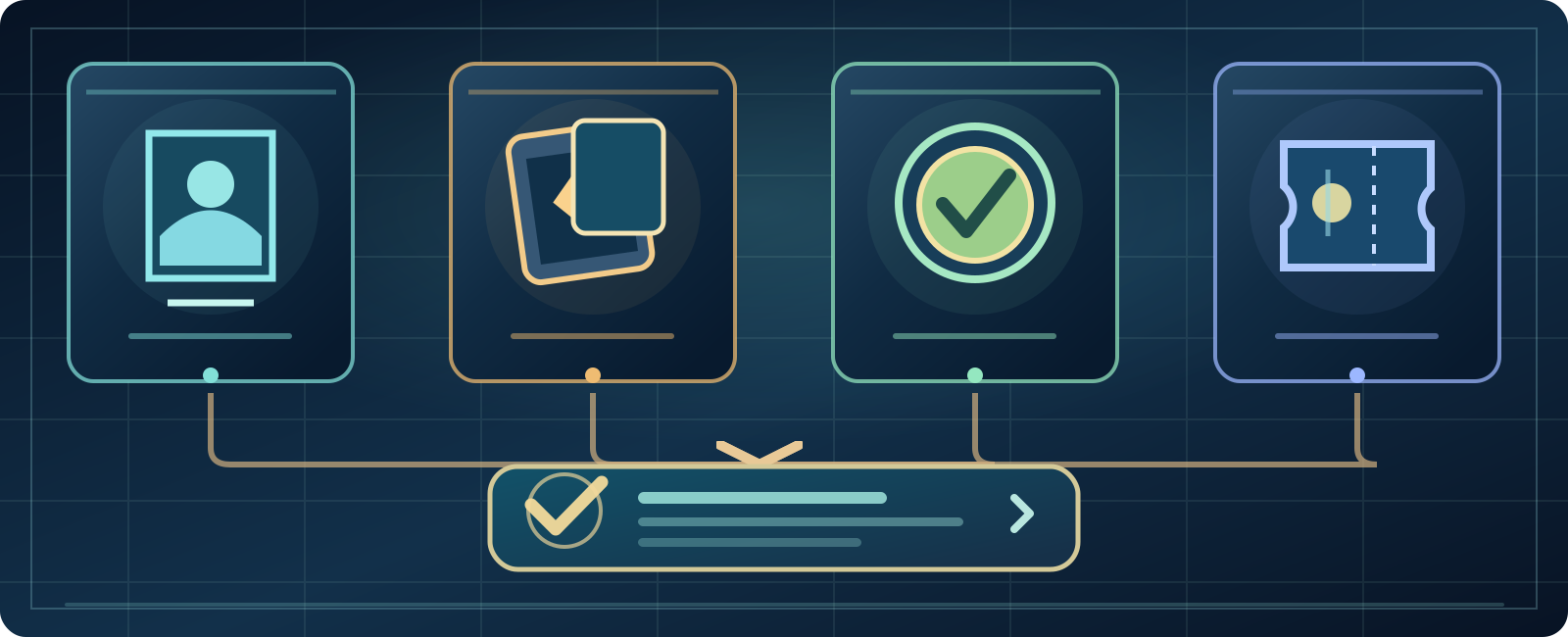
- Player item
- Unopened pack
- FC Points
- Draft ticket
Start with a description: is it a purchased Transfer Market Player Item, an unopened Pack, a claimed-but-not-shown Objective reward, a paid FC Points transaction or a FUT Draft token after a disconnect? They have different interfaces and evidence.
- Differentiate a paid purchase from an earned reward and a Draft token.
- Check Club, My Packs and Transfer Targets before escalating.
- Quick Sell Recovery is limited and SBC submissions are final.
- Use the proper 24-hour or 72-hour category-specific waiting window.
- The official Draft Missing Content Tool checks eligibility, not guaranteed recovery.
Note the mode and approximate time of the incident. Treat a Season Pass reward not available on your device differently from a market purchase that was paid for but not delivered. Don't let the word 'missing' erase the important details.
Restart the mode, then the game or device
EA advises leaving and reopening Ultimate Team, then restarting the console or PC if your content still isn't visible. A temporary display or synchronization issue can look like removal from an account.

Check FC Direct Communication and platform service status too. Avoid purchasing the same item again while the original transaction is unresolved or claiming a second package as a supposed troubleshooting step.
Search Club and unclaimed Store content
Look for the Player Item or other asset under Club, not merely in your active starting XI. The item might be a Consumable, Stadium Item, Staff or Manager rather than a footballer.
EA also asks you to inspect the Store for unclaimed content. Record what you searched and whether the content was already opened or claimed, so any later help request can distinguish delivery from display.
Transfer Targets, Won and Expired Items
EA explicitly names Transfer Targets, Won Items and Expired Items as the places to inspect for a market transaction. Confirm that your purchase actually succeeded before claiming a player vanished.
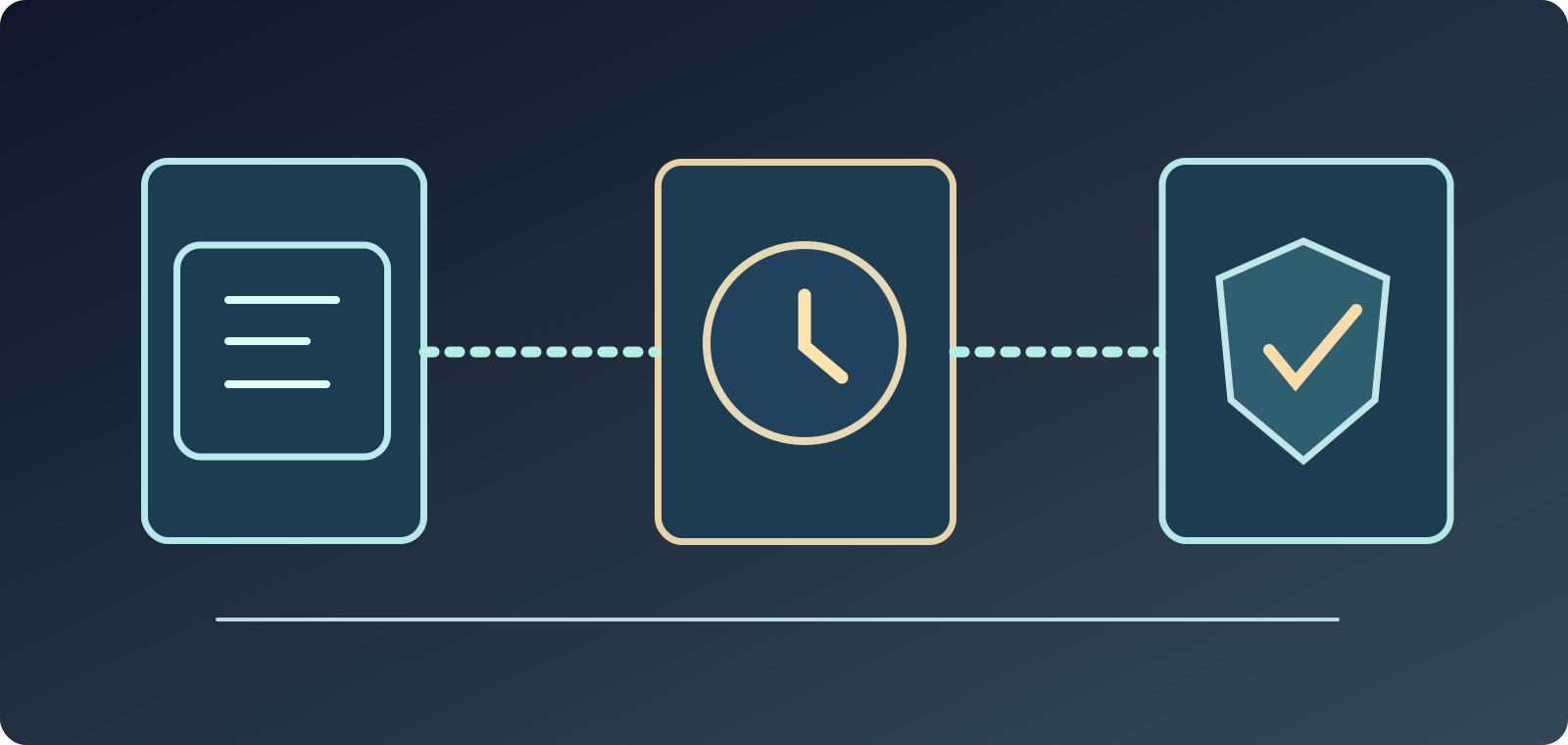
If a purchased Player Item becomes stuck, EA expects it to be automatically corrected within 72 hours. Check Transfer Targets again after that window. This is an expected troubleshooting time frame, not a guarantee of an instant fix for every market issue.
Missing Packs: check My Packs
The relevant in-game route is Ultimate Team > Store > My Packs. An awarded Pack can be sitting there even if you haven't seen an item in Club or on a separate Objective screen.
Keep Pack Preview, an unclaimed Objective, a Pack not yet opened and contents from an opened Pack separate. A preview screen alone isn't proof you were granted a Pack.
Quick Sell Recovery has a strict limit
EA supports a self-service Quick Sell Recovery feature in its FC Web and Companion Apps for eligible quickly sold Player Items. The stated allowance is up to five recoveries in each 31-day period, and you need enough Coins to reverse the relevant transaction.

This tool is not an unlimited player restoration service. EA advisors cannot manually restore items outside the applicable route simply because a sale was accidental. Check eligibility in the actual recovery interface instead of trusting a social-media workaround.
SBC submissions are irreversible
Submitting Player Items into a Squad Building Challenge permanently removes them from your Club in exchange for the challenge's rewards. EA says advisors can't undo an SBC submission.
Review the squad before pressing Submit, especially unusual or high-value items. If you knowingly submitted an item, do not label it 'missing after pack opening': the correct explanation is a completed, irreversible transaction.
The right clock: 24 hours is not 72 hours
EA's Missing Rewards help says rewards can take up to 24 hours to arrive. Its Missing Items and Packs article describes a 72-hour period before contacting support about a still-missing Item or Pack. Market items stuck in Transfer Targets may also be corrected during those 72 hours.
For paid FC Points, the official guide asks players to prepare proof of purchase and request help if still missing after 24 hours. There is no single universal waiting time for every category. Start the clock from the relevant incident and follow that content type's policy.
FC Points: verify the paid purchase first
Examine your transaction history in the platform store that handled the purchase—PlayStation, Xbox, Steam, EA app or another supported platform—then restart FC. Watch official FC Direct communications and server status notices for widespread delivery problems.
Points bundled with some Ultimate or Ultimate Plus FC 27 editions are paid out in monthly drops; they're not all owed instantly on your first login. A scheduled future grant is different from a store purchase that failed to credit.
What EA needs for a paid FC Points investigation
After the relevant 24 hours, EA lists proof of purchase, persona/platform identity, device, date and time including time zone, missing Points amount and voucher code if applicable. PlayStation purchasers may be directed to PlayStation support.
Share receipts only through official support channels. Don't publish unredeemed codes, payment numbers or passwords in community posts. Supplying evidence starts a review; it doesn't mean an automatic refund or bonus points.
FUT Draft disconnect and the Missing Content Tool
EA's Missing Content Tool offers a way to check eligibility for a grant or replacement when in-game content, Points or a FUT Draft Token are lost following a disconnect. Access it via the official EA Help self-service tools rather than a third-party token site.
No official source guarantees a new Draft Token for every disconnect, or publishes a fixed success percentage. Do not invent an account-history formula, manipulate match results or spend money again in the belief that compensation is assured.
Server warnings are evidence, not automatic blame
Look at your platform's server status and EA FC Direct notices if the issue happened during a known service problem. Record the mode, approximate moment and any non-sensitive error message.
A disconnect can involve network, device or server factors, so a high Ping reading alone does not establish Draft compensation eligibility. Treat it as diagnostic context rather than proof against the provider.
Rewards can be present but unusable
EA warns that some The Grounds Season Pass rewards require supported current-generation platforms to use, campaign Tokens have a specific Token Store and expiry window, and certain Gallery objective progress isn't retroactive.
An item that is platform-restricted or a challenge started after your earlier matches is not necessarily stolen or undelivered. Check eligibility and the actual campaign dates before filing a missing-content claim.
Escalating a Player Item or Pack after 72 hours
For missing Player Items or Packs that stay absent for 72 hours, prepare the missing content name, related mode (Rivals, Champions, Objectives and so on), EA Account email, platform ID, date and time of disappearance, time zone and platform.
Use the official EA Help contact route. Don't post receipts and account details publicly or send them to strangers who promise an instant recovery. The evidence supports an investigation but does not ensure the requested grant.
A five-minute decision checklist
Write one line for each suspected issue: Purchased Item, Unopened Pack, Reward, Paid Points or FUT Draft. Note exactly where you searched (Club, Store My Packs, Transfer Targets), whether the correct waiting window passed and whether the item was Quick Sold or submitted to an SBC.
Only then use the relevant official tool or support form. Don't relink EA accounts, disable security tools or delete your Club because somebody on social media claims those actions force a pack to appear.
Sources, safety and review date
Reviewed the five EA first-party resources on October 8, 2026: Missing Items/Packs, Rewards, FC Points, Missing Content Tool and general EA missing-content advice. All official reference addresses follow below.
Sources & references5
This is a structured decision guide, not a promise EA will restore an SBC item, undo an ineligible Quick Sell, pay duplicate FC Points or issue a Draft Token unconditionally. Verify updated EA policies if time windows change. Sources