

You buy V-Bucks in Fortnite on PC or PlayStation, then open the same game on Nintendo Switch and see a lower balance—or zero. That often indicates a Fortnite Shared Wallet rule, not a lost purchase. Epic distinguishes purchased V-Bucks from currency earned through Fortnite Passes, Quest Packs or Save the World, and from items already acquired in the Locker. Its current help says Nintendo Switch purchases remain tied to Nintendo, and players in Korea face an additional restriction on V-Bucks bought on PC. Yet a genuinely missing paid purchase requires a different path: sign in on the purchasing platform, check the Epic Games Account ID, payment status and receipt, then contact the correct store. These checks can save you from paying twice or changing the wrong account.
1. Purchased V-Bucks and earned V-Bucks behave differently
The Fortnite Shared Wallet lets purchased V-Bucks appear on most participating platforms, but not always Nintendo. Epic explicitly says V-Bucks earned from Fortnite Passes, Quest Packs and Save the World are shared across all platforms. Currency paid for with money, including through Epic Games Store or the Fortnite Web Shop, follows the platform restrictions. The distinction is important if your Nintendo balance contains V-Bucks from challenges but not the 1,000 purchased on PC. The amount you see is not automatically the full value linked to your Epic account.
2. Delivery first happens on the purchasing platform
Epic's missing-purchase guidance says after buying V-Bucks, log into Fortnite on the same platform on which the purchase was made to receive them. For PlayStation Store purchases, first launch Fortnite on PlayStation; for PC Epic purchases, first launch through the relevant PC store environment. Close and relaunch the game to refresh the displayed balance. Check if the purchase is still processing. Buying a V-Bucks pack does not normally give a redemption PIN and cannot be gifted to another account; prepaid cards use separate rules. If an order never completed, repeatedly buying the pack risks duplicate charges.

3. Nintendo Switch uses a separate purchased-currency balance
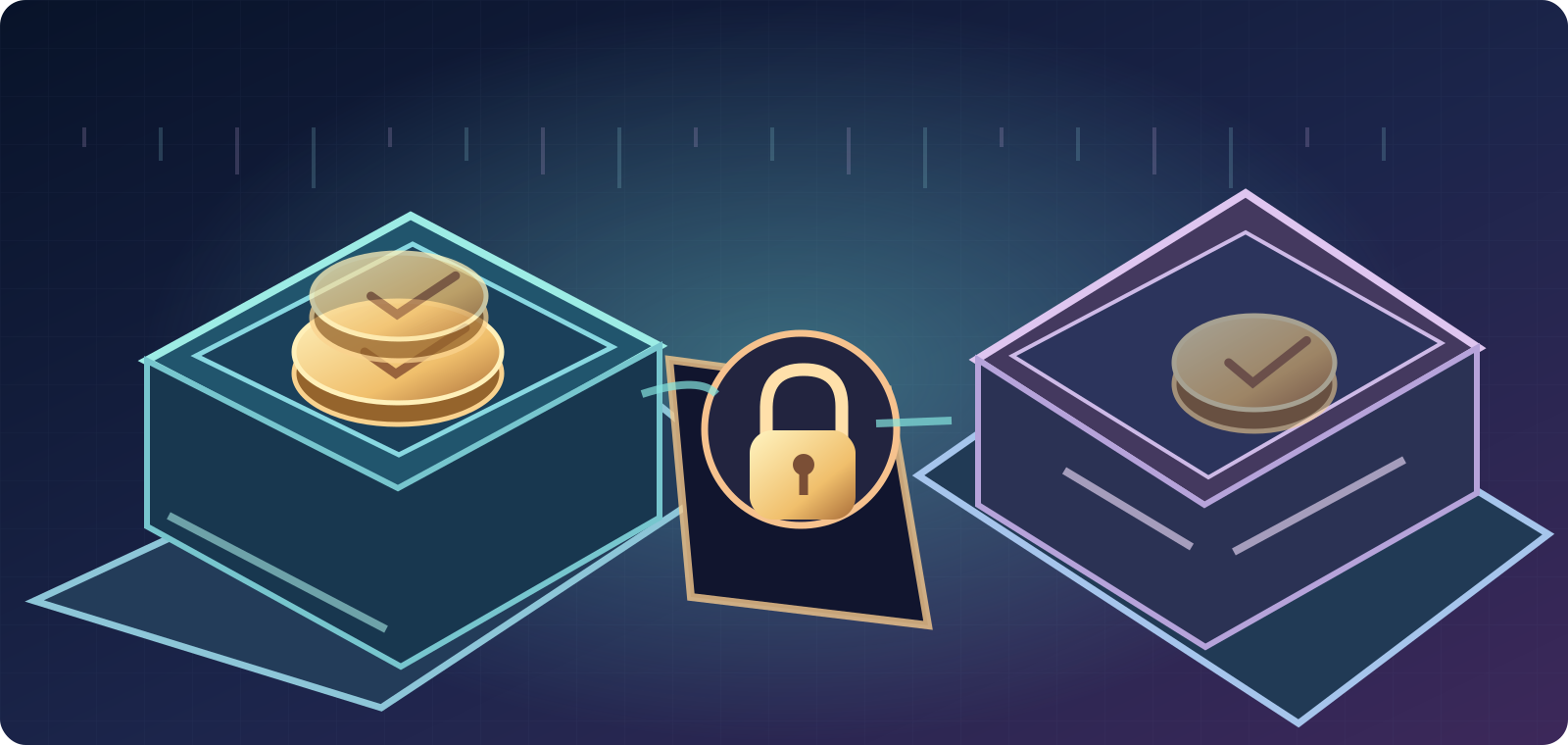
Nintendo Switch does not share V-Bucks bought on Nintendo with PC, Xbox, PlayStation and other Shared Wallet devices. The opposite is also true: purchased V-Bucks added on a non-Nintendo platform do not appear as spendable currency on Switch or in Switch's wallet. Epic's current articles apply this Nintendo-device rule while describing use of the Fortnite Web Item Shop to buy an item with the balance available outside Nintendo. The purchased item then appears in your Locker across linked platforms, including Nintendo. This is a spending route, not a transfer of V-Bucks into the Nintendo wallet.
4. The additional Korea PC-purchase exception
Epic's official Shared Wallet FAQ lists a separate exception for players in Korea: V-Bucks purchased on PC are not shared with other platforms. Do not assume this means all players everywhere or that earned V-Bucks stop sharing. If you are subject to that account/region rule, inspect the platform of the original PC purchase and where the currency is spendable. The safest next step is to compare the same Epic ID and read current Epic regional help before trying a new paid transaction. VPN changes and unauthorized account-region workarounds are not appropriate diagnostic steps.
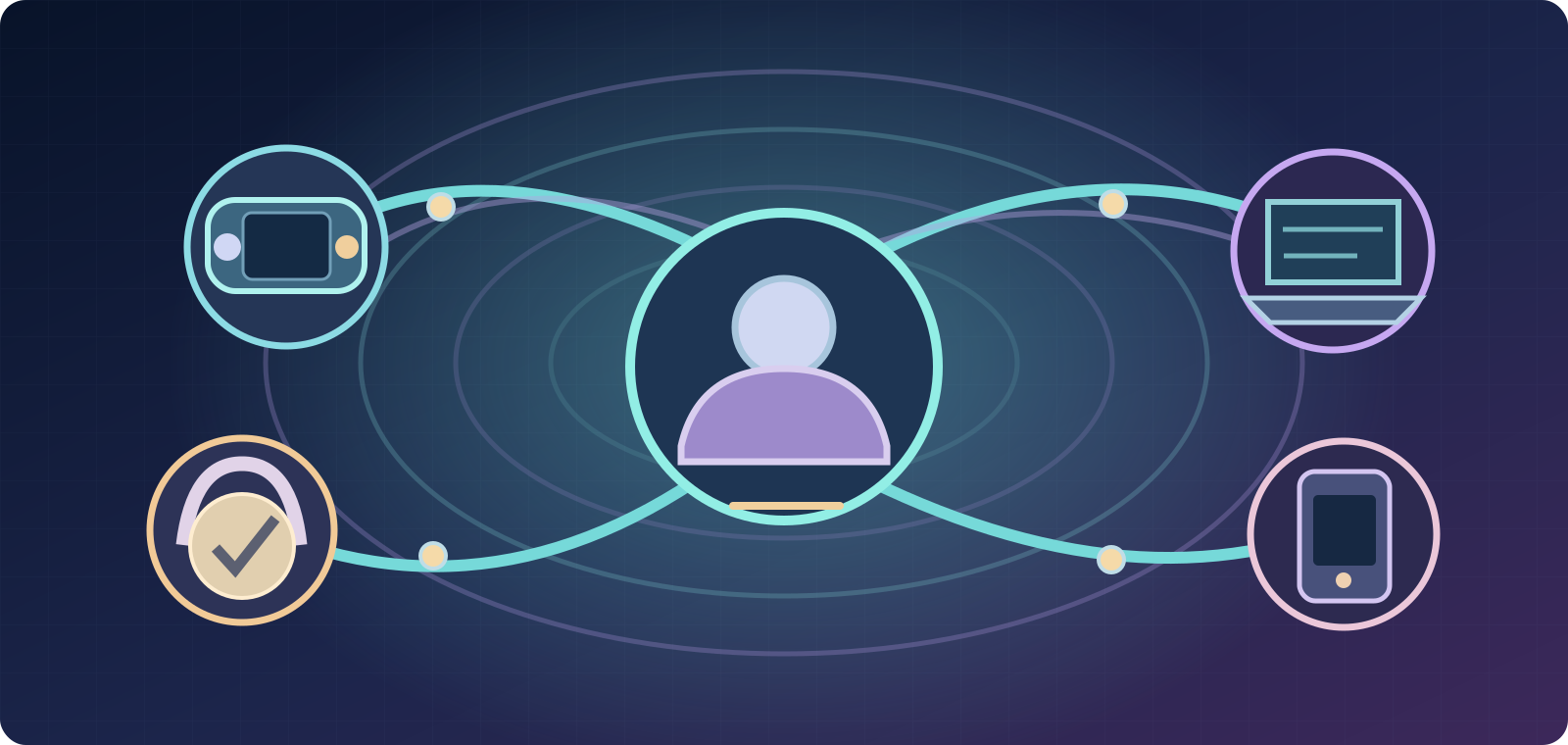
- Purchased on Switch: Nintendo-only balance; cannot spend in Web Shop.
- Purchased off Switch: Shared Wallet on participating platforms; not Nintendo.
- Earned via Passes/Quest Packs/Save the World: shared across all platforms.
- Korea exception: PC-purchased currency may be platform-locked.
5. Three official balance examples
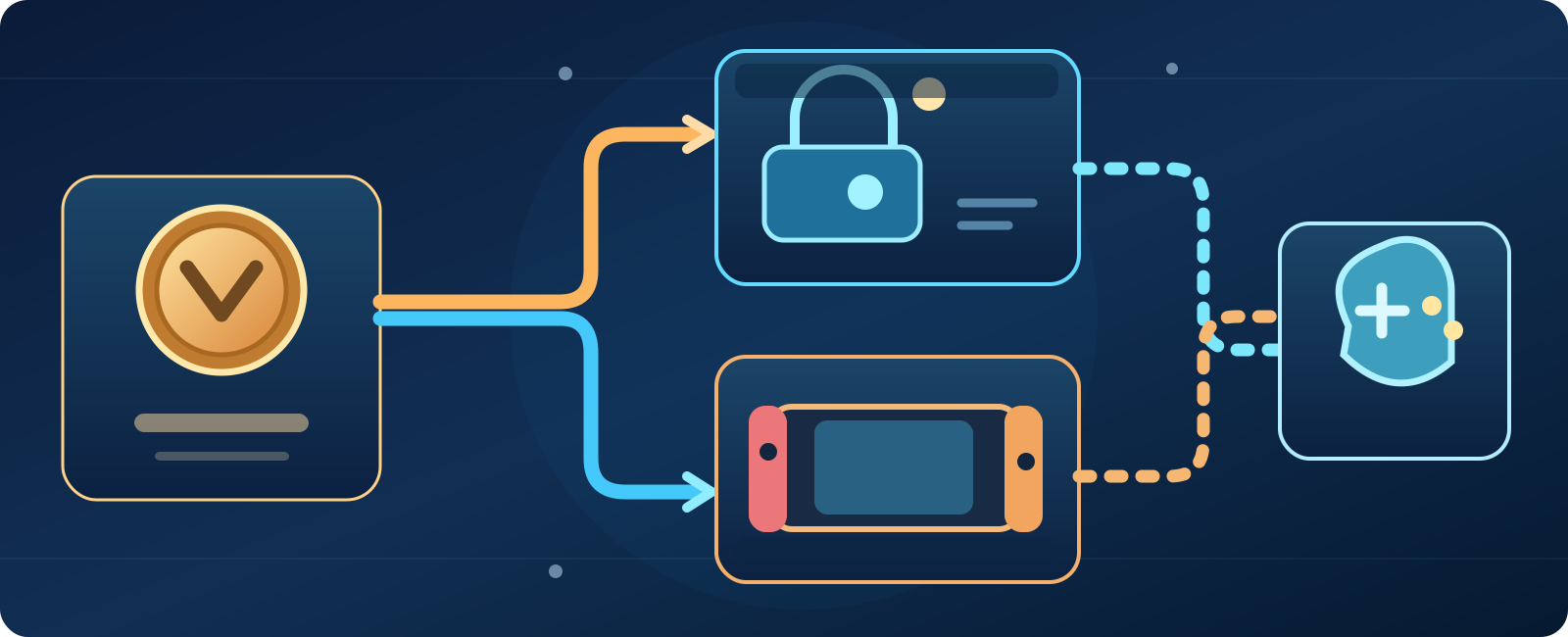
- Purchased on Nintendo
- Purchased elsewhere
- Earned through play
Epic illustrates the rules with three useful cases. 1,000 purchased on PC can show 1,000 on Xbox, PlayStation, PC and Android, but 0 on Switch. 1,000 purchased on Nintendo can show 1,000 on Switch and 0 on those other platforms. Finally, 1,000 purchased on PlayStation plus 500 earned via Battle Pass can show 1,500 on participating Shared Wallet platforms but only the 500 earned on Nintendo. These are explanatory examples, not promises for every regional account. Compare your purchase and earned history separately.
6. Cosmetics you buy still travel with your linked account
A visible balance difference is not the same as missing cosmetics. Epic confirms that items purchased with V-Bucks are available on platforms where you play using the same correctly linked Epic Games account. If Nintendo cannot display V-Bucks bought elsewhere, you can use the Fortnite Web Item Shop or a supported non-Nintendo platform to purchase a desired item; the item should then be in the Locker on Nintendo. This does not authorize sharing currency with strangers or selling accounts. Check that the account and game variant really match before spending.
7. A genuinely missing order: first response checklist
When no platform shows a purchase even after signing in correctly, restart Fortnite, check the purchasing device and account, then review whether the payment finalized. Epic says the same Epic Games Account ID must be used in the game and account portal. On a Shared Wallet platform, compare with another supported system after the original platform has received the currency. Check for a bank authorization that never became a completed order. Avoid screenshots exposing full payment details, and do not accept a social-media stranger's promise of a 'manual V-Bucks unlock'.
8. Check the Epic Games Account ID, not just a display name
Epic says an Epic Games Account ID is a stable unique identifier, different from the visible display name. In Fortnite open the profile menu, then Settings → Account and Privacy → Epic Games Account ID. In the Epic account website, it appears under Account Information. If two consoles are actually connected to different Epic IDs, the balances, cosmetics and receipts may differ. Do not unlink and relink platform accounts as an experiment: that can complicate access and entitlements. Gather the IDs privately and use Epic's official linked-account and recovery process.
9. Confirm the transaction and who processed payment
For direct Epic purchases, log into the official Epic website and open Account → Transactions → Purchase, using Show More if the order is old. A transaction missing there may have failed or been processed through a different retailer. Purchases billed by PlayStation, Xbox or Nintendo must be investigated with that platform's support, because Epic cannot process or investigate those platform-store transactions. If you bought through the Epic Games Store and currency remains missing, use Epic Support with the order number, quantity and device, withholding sensitive payment data in public posts.
- Refresh: close/reopen Fortnite and log in on the purchasing platform.
- Identity: match Epic Games Account ID, not just nickname.
- Proof: Epic Account → Transactions → Purchase or platform store receipt.
- Escalation: store that actually billed the order.
10. V-Bucks Cards are not Fortnite Gift Cards
Epic distinguishes V-Bucks Cards (prepaid codes for a fixed number of V-Bucks) from newer Fortnite Gift Cards (monetary value added to your Epic Games account balance). Gift Cards and V-Bucks Cards have different redemption instructions. V-Bucks Card redemptions start at fortnite.com/vbuckscard, after confirming the correct Epic account. Fortnite Gift Cards instead add account funds to spend using Epic's payment system, such as toward V-Bucks or eligible other products. Read the actual front of the card and retain the store receipt rather than entering a gift-card code into the wrong form.
11. Xbox and PlayStation V-Bucks Cards may need a second code
Epic's V-Bucks Card directions say to select the destination platform carefully. For PC, Switch or eligible mobile redemption, you can generally open Fortnite on that platform after completion. For Xbox or PlayStation, the Epic redemption flow can generate a second 12- or 25-character platform code which must also be entered into the linked Microsoft or Sony account. If you stop after the first stage, the expected currency may not arrive. Follow the official instructions, avoid posting a screenshot of the code and check the correct account before confirming a non-reversible redemption.
12. Epic account balance added elsewhere will not display on Nintendo
Epic's dedicated Nintendo billing FAQ states that V-Bucks added or a Fortnite Gift Card redeemed on non-Nintendo hardware will not display as a Nintendo wallet balance. If you still have an Epic account balance, you can use supported Epic checkout to buy V-Bucks and then select cosmetics in the Fortnite Item Shop on a supported platform or the web; those items appear in your Locker on Nintendo. V-Bucks purchased or redeemed directly on Nintendo remain spendable on that device only. Avoid presenting this as an account-balance migration or promising every payment method is available in every country.
13. Why refunded V-Bucks can return to a different balance
If you returned a cosmetic item but do not see the V-Bucks back, Epic advises using the V-Bucks refresh button in the Item Shop, confirming the correct account, checking In-Game Currency, and restarting Fortnite. In particular, a purchase funded by a Nintendo-only wallet can be refunded to that original platform balance rather than the wallet visible on PC. So a refund that appears 'missing' may have returned to a different legitimate balance. Check refund eligibility and transaction history rather than buying currency again. Don't try to evade refund rules or force transfers between restricted wallets.
- V-Bucks Card: dedicated redemption and possible second console code.
- Fortnite Gift Card: adds Epic account balance, not identical to V-Bucks.
- Item purchased off Nintendo: Locker follows correctly linked account.
- Privacy: never hand a stranger the prepaid PIN, receipt or account password.
14. Send the right evidence to the right support team
Prepare exact purchase date and approximate time, amount of V-Bucks, original purchasing platform, store and order number, Epic Games Account ID, whether the currency was purchased or earned, any redemption-card stage, and balances on Nintendo versus another trusted device. Keep the payment receipt and report whether you restarted Fortnite and logged in on the purchasing platform. Contact PlayStation/Xbox/Nintendo store support for their own billed orders, or Epic Support for Epic-billed orders, using official channels. Never share passwords, account recovery codes, complete card PINs or full payment-card numbers.
Safe decision path: decide whether currency was purchased or earned → identify purchasing platform and Korea/Nintendo exception → launch Fortnite on that platform → check Epic ID → verify transaction or prepaid code and its second stage → compare wallet balances rather than cosmetics → contact the billing store. A missing number on Switch is often normal by design; an order missing everywhere after payment requires the correct support investigation. Avoid duplicate purchases and risky account unlinking.
Epic first-party support references checked October 8, 2026: https://www.epicgames.com/help/c-34254770/c-39884448/a14234612 ; https://www.epicgames.com/help/c-34254770/a17798899 ; https://www.epicgames.com/help/c-41804731/c-39278613/a15027001 ; https://www.epicgames.com/help/c-34254770/c-39884448/a19714423 ; https://www.epicgames.com/help/c-34254770/c-Trending_0/v-a17681982 ; https://www.epicgames.com/help/c-32735058/c-31292734/how-can-i-find-my-purchase-history-with-epic-games-a18163688 ; https://www.epicgames.com/help/c-45487929/c-38978022/id-epic-games-a24590453 ; https://www.epicgames.com/help/c-34254770/c-39884448/a17782527 ; https://www.epicgames.com/help/c-34254770/c-39122868/a12428305?lang=en-US. Platform sharing may change and this guide does not assert an active Fortnite incident.