

You lock a champion, the timer ends, but League of Legends never opens the match loading screen. Instead the launcher falls back to a Reconnect button, or the game window appears and instantly closes. This is different from the red Attempting to reconnect message that appears while a match is already running. Riot updated two targeted guides in May–June 2026 for precisely this post–Champion Select transition. They separate incompatible Windows launch flags, background tools such as Fasoo/Citrix, security software conflicts and broken game files from genuine packet-loss problems. The safest route is to identify which program failed, make reversible checks, then use Riot's built-in Repair and log collection before considering reinstalling or editing low-level system settings.
1. Reconnect after selection is not the in-match reconnect alert
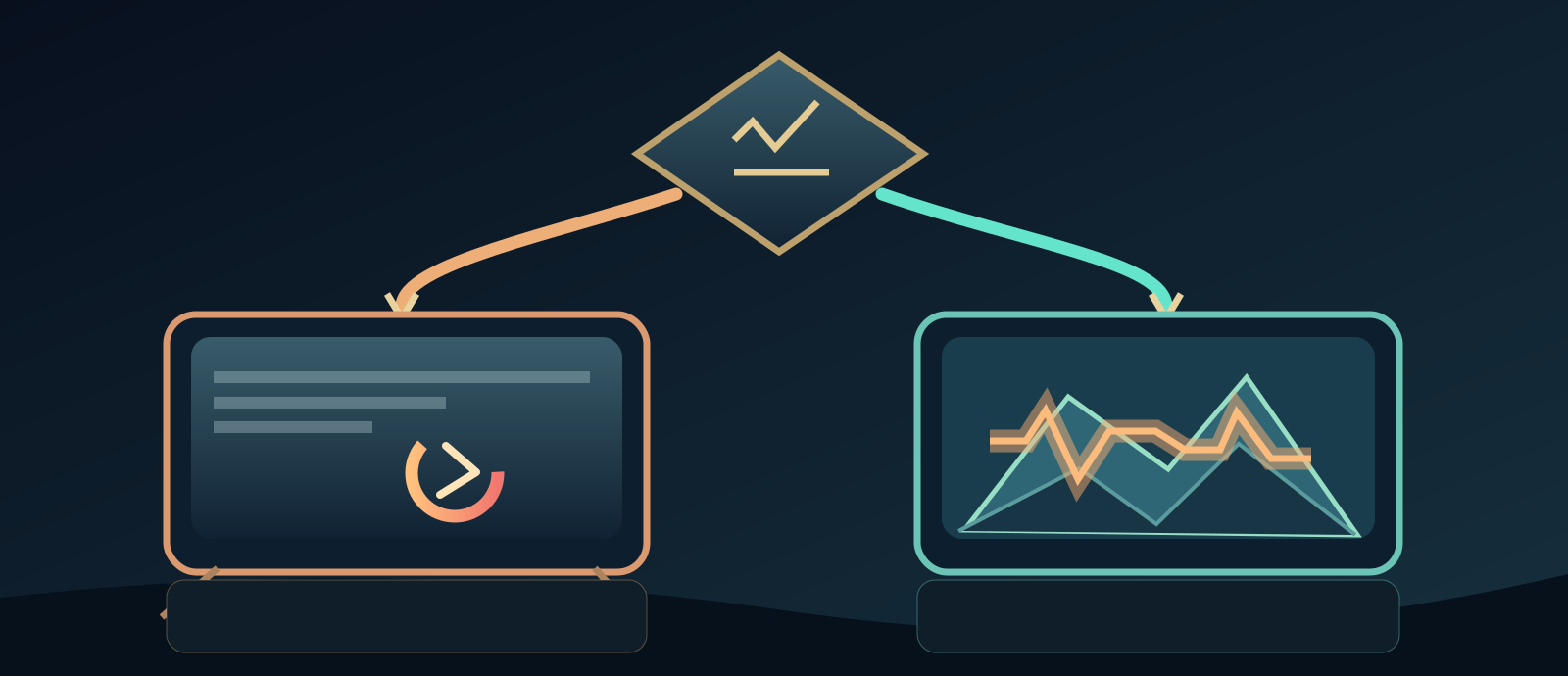
- Did the match window open?
- Match process did not start
- Match started then lost network
Riot's Stuck at Reconnect After Champion Select page covers the transition when the League Client hands control to the actual game after the champion timer. If you instead see Attempting to reconnect during movement in a match, the leading questions are packet loss, ping spikes and Wi-Fi instability, not the Windows compatibility flags that block an executable from spawning. If the launcher never shows a loading screen, first investigate whether League of Legends.exe starts at all. Take a screenshot and record whether the button loops, an error flashes, or the game briefly appears.
2. Distinguish Riot Client, League Client and the game process
On Windows the Riot Client handles launching and account sign-in, the League Client handles lobby/Champion Select, and the separate League of Legends.exe runs the actual match. A frozen lobby can therefore coexist with a healthy network connection. Check Task Manager for leftover Riot Client or League Client processes and close them using the normal quit controls before a full relaunch. Avoid terminating unrelated Windows services. On macOS use the normal application quit and Activity Monitor if necessary, rather than following Windows Task Manager instructions. Retest in a low-risk custom or practice game after repair when possible.

3. Check status, update state and avoid repeated ranked retries
Before experimenting with computer settings, consult the official Riot Service Status linked from Riot support and check if a recent patch is rolling out in your region. A region-wide outage or version mismatch may prevent loading, while a single-machine failure is more consistent with local programs or game files. Do not keep joining ranked games to 'test' a problem that might yield an AFK penalty. Let the Riot Client finish its official update, restart it normally, and record the region and patch shown. Riot's login/patch errors and a post-Champion-Select game launch are related but not identical.
4. A clean quit and one-variable restart
Exit the match client and Riot Client completely. On Windows use Task Manager only to close remaining LeagueClient, League of Legends or Riot Client instances belonging to the game; reboot if uncertain. Retry a single controlled session after restart, with downloads and streaming paused. Turn off nonessential startup launchers one at a time so a successful test tells you what changed. If it still hangs, continue to the precise Compatibility check rather than reinstalling blindly. Riot's instructions for 'Stuck at Reconnect' are more specific than broad generic PC troubleshooting pages.
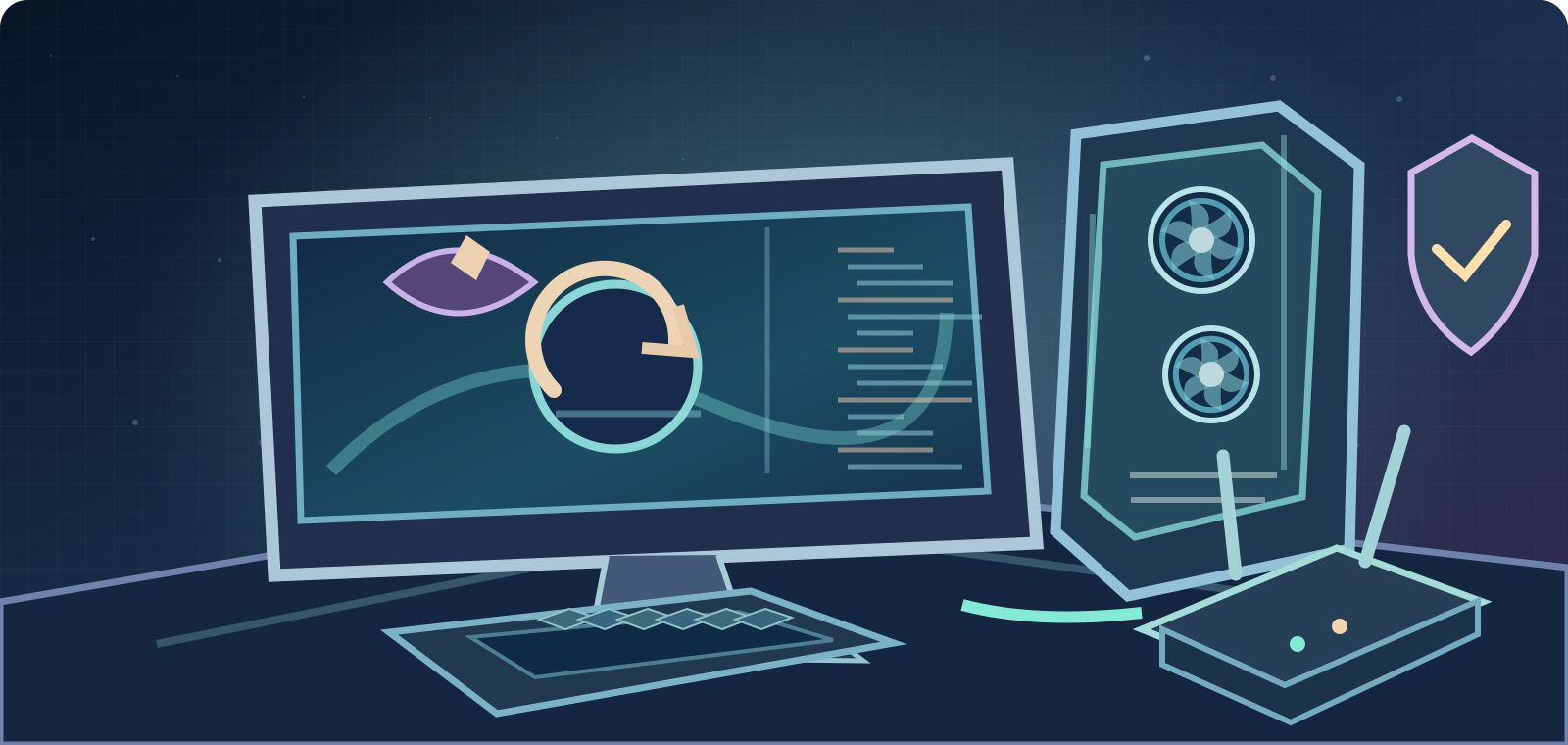
- After Champion Select, only Reconnect button: investigate game executable handoff.
- In-match 'Attempting to reconnect': investigate network, Packet Loss and latency.
- Riot Client sign-in/update loop: follow separate login/patch guidance.
- Black screen with game running: check graphics, overlay and drivers.
5. Windows Compatibility: clear all launch overrides
The May 26, 2026 Riot guide specifically says to find the actual game binary, normally `C:\Riot Games\League of Legends\Game\League of Legends.exe`; right-click → Properties → Compatibility and untick all checkboxes. In particular, disable Run this program in compatibility mode for and forced Run this program as an administrator. Apply and relaunch. This may sound different from older generic Riot advice to run the launcher as admin for other errors: the exact post-select executable has its own instruction. Do not change unrelated Riot Vanguard settings or disable Windows security features to imitate old forum recipes.
6. Overlays and background apps can interrupt handoff
Riot describes situations where overlay/recording tools, other background utilities or security agents interfere with the game process. Temporarily close optional overlays you personally installed, such as Discord overlay, GPU overlays or companion apps; you need not delete their accounts or uninstall important work programs. On Windows a Clean Boot, using Microsoft's official instructions, can help narrow interference, but hide Microsoft services and restore your normal startup configuration afterward. Avoid random 'optimizer' executables, registry cleaners or blanket service disable scripts.

7. Fasoo and Citrix: investigate only if actually installed
Riot's reconnect-specific FAQ lists Fasoo processes such as `seef_logsvc.exe`, `f_LPS.exe` and `fph.exe`, and Citrix Workspace processes such as `concentr.exe`, `Receiver.exe` and `SelfServicePlugin.exe` as possible conflicts. Check Task Manager and application publisher to see whether they exist. They may be required for office/school security and remote work. Do not uninstall employer-managed Fasoo or Citrix without administrator approval. Instead test with an authorized administrator or request a sanctioned configuration; if absent, skip this branch entirely. Their mere presence is a clue, not universal proof of a League ban or compromised installation.
8. Firewall/antivirus: targeted allowlisting, not disabling protection
Riot documents that security suites, including COMODO and Emsisoft, can sometimes block the client-to-game launch, and its targeted guide describes exclusions for verified Riot application folders. If you control the machine, first check logs/quarantine and ask the product's support about narrow allowlisting of known Riot-signed executables, using authentic installed paths. Keep system security enabled and consult an IT administrator on managed devices. Do not disable or uninstall antivirus globally or open router ports merely because Reconnect loops. Never download unofficial 'Riot Repair' executables from file-sharing sites.
9. Built-in Riot Client Repair is the preferred next repair
Riot's updated 'Not Launching After Champion Selection' article provides a direct supported menu: open Riot Client, sign in, click the profile icon at top right → Settings, select League of Legends in the left column, then click Repair. Let the client check and repair its own files before testing again. This avoids the risks of overwriting profiles or guessing at the cause of corruption. Use the official launcher, not a third-party game-fix utility. If Riot Client itself cannot start, gather the relevant startup error and use Riot's general launching/repair guide instead of assuming that Repair completed.
- First close Riot/League processes and relaunch once.
- Windows: clear Compatibility and forced admin for `League of Legends.exe`.
- Close optional overlays and check actual Fasoo/Citrix/security conflicts.
- Use **Riot Client → Settings → League of Legends → Repair**.
10. Update Windows/GPU drivers and separate black screen from network
Riot recommends checking operating-system updates and graphics drivers when the client hands off to a match window that never renders. Use Windows Update or your GPU manufacturer's authentic tool; do not install unsigned driver bundles. A black or missing window may be a rendering/overlay conflict even when network latency is fine. The targeted Riot FAQ also describes debug-memory-dump settings for certain cases, but changing system-wide crash diagnostics is an advanced operation that reduces forensic information: leave it alone unless Riot Support or an IT expert identifies a matching scenario and a rollback plan.
11. Windows logs: use the right files and protect private data
For a game that never starts after Champion Select, LeagueClient logs and Riot Client logs are usually more relevant than match network logs. Riot documents Riot Client logs under `%localappdata%\Riot Games\Riot Client\Logs` and configuration/game logs under the League installation. Riot Repair Tool (RRT)—formerly Hextech Repair Tool—can gather a zipped bundle for support. Download it only from Riot's official site. Attach requested logs to a private support ticket, not a public forum: logs and network diagnostics may include usernames, IPs and device identifiers. Note the exact time for support to match against those logs.
12. macOS uses different diagnostics—do not follow Windows-only fixes
League also runs on Mac, but Windows Compatibility, Fasoo/Citrix Process tab, Windows security exclusions and `.exe` paths do not translate directly. Riot's Network, System and Logs (Mac) article lists Riot Client Logs at `~/Library/Logs/Riot Games` and LeagueClient logs inside the application bundle under Contents/LoL/Logs/LeagueClient Logs, along with game logs. Use Finder to locate and compress only the logs requested by Riot. First update the supported macOS version and game, close overlays and use Riot's Mac-specific repair guidance. Avoid community scripts that rename application bundles without an official, exact diagnosis.
13. If gameplay starts but disconnects, change troubleshooting track
When you actually enter a match and see Attempting to reconnect, Riot's Basic Connections Troubleshooting Guide and Connection Troubleshooting - Log Reader become relevant. Compare Ethernet to Wi-Fi, pause heavy transfers and check a match-specific netlog for latency, jitter and packet loss. Riot's connection score helps distinguish likely network trouble from other problems but is not an ironclad diagnosis. Do not change Windows Compatibility options to fix mid-match lag unless separate evidence exists. Similarly, low FPS or GPU stutter is not automatically a problem with the route to Riot servers.
- Don't delete AppData/League profiles or blindly reinstall first.
- Don't globally disable firewall/antivirus or bypass Vanguard.
- Do use Windows and Mac-specific logs and Riot Repair Tool.
- Support with exact stage, patch, reproduction and private logs.
14. What to send Riot Support if Reconnect persists
Give Riot **exact error wording, Windows or macOS version, LoL patch/region, when the failure occurs (after Champion Select versus within match), screenshot, whether League of Legends.exe starts, whether Compatibility checkboxes were cleared on Windows, overlays and managed Fasoo/Citrix present, result of Riot Client Repair and one clean test. Attach Riot Client/LeagueClient logs or an official RRT** bundle when requested. Avoid publicly posting Riot login secrets, 2FA codes, raw IP addresses or private process lists. A successful network speed test does not override a reproducible process-launch error; precise evidence helps Riot investigate it.
Safe troubleshooting order: exact stage → status and update → normal client relaunch → Windows game-executable Compatibility → optional overlay/security conflicts → official Riot Client Repair → safe OS/GPU updates → correct platform logs and Riot Support. A loop immediately after Champion Select is not identical to packet loss during a running match; treating them differently prevents needless risky changes.
Official Riot primary sources reviewed October 8, 2026: https://support.riotgames.com/en-us/league-of-legends/client/stuck-at-reconnect-after-champion-select ; https://support.riotgames.com/en-us/league-of-legends/connectivity/league-of-legends-not-launching-after-champion-selection ; https://support.riotgames.com/en-us/league-of-legends/performance/fix-my-league-the-first-steps-to-tech-help ; https://support.riotgames.com/en-us/league-of-legends/connectivity/basic-connections-troubleshooting-guide ; https://support.riotgames.com/en-us/league-of-legends/connectivity/connection-troubleshooting-log-reader/ ; https://support.riotgames.com/en-us/riot/performance/network-system-and-logs-windows ; https://support-leagueoflegends.riotgames.com/hc/en-us/articles/51458139012243-Network-System-and-Logs-Mac ; https://support.riotgames.com/en-us/riot/performance/gathering-logs-riot-repair-tool-rrt. Match the exact failure stage; a Riot system-status page is not evidence of an active outage.